The short answer
- Send an instant first reply, then four or five spaced follow-ups over about two weeks, and stop the moment the person replies.
- Use the details they gave you (date, venue, service) and write each message like a text you would send by hand.
- Every message should have one clear next step, and a real person should take over as soon as they answer.
The way to automate inquiry follow-up without sounding like a robot is simple to describe: reply instantly, follow up a few times over roughly two weeks, stop the second the person answers, and write every message the way you would text a friend's referral. Use their date, their venue and the service they asked about. Give one clear next step each time. Hand the conversation to a human the moment they reply.
Most automated follow-up sounds robotic for three reasons: it is too long, too generic, and it keeps going after the person already answered. Fix those three and nobody can tell the difference between your system and a very organized you.
Why follow-up matters more than the first reply
Speed gets you noticed. We covered that in how fast wedding vendors should reply to inquiries. But plenty of good leads do not answer the first message. They are at work, they are comparing five vendors, their partner has not weighed in yet. Silence after one message usually means "busy," not "no."
The problem is that manual follow-up depends on memory, and memory fails exactly when you are busiest. Automation does not forget on a Saturday when you are on a gig.
Silence after one message usually means busy, not no.
A follow-up sequence that works
This is a starting point for event and service businesses. Adjust the spacing to your sales cycle: wedding couples plan months ahead, while a corporate client may need an answer this week.
- Instant reply, text and email
Thank them by name, confirm what they asked about, say whether the date looks open, give a starting price if you publish one, and include a link to book a call.
- Personal-feeling text
A short, casual check: "Did the link come through okay? Happy to answer anything by text too."
- Useful follow-up email
Something they can use even if they do not book you: a sample timeline, a planning checklist, or the answer to the question most people ask.
- Date nudge by text
Honest and specific: their date is still open, and you will hold off on other inquiries for it until a set day, if that is your real policy.
- Different angle
Ask a question instead of pitching: "Are you still deciding on a DJ, or did you find someone? Either way is fine."
- Polite close
Let them know you will stop following up, and that the door stays open. A clear close sometimes gets a reply when nothing else did.
Every step in this sequence must check one thing first: has the person replied, booked a call or said no? If yes, the sequence stops. Nothing kills trust faster than "just checking in!" an hour after they said they booked someone else.
How to write messages that sound human
The software is the easy part. The words are where most automation goes wrong.
Sounds like a robot
- "Dear Valued Customer, thank you for your inquiry. A representative will contact you shortly."
- Three paragraphs, bold headers, a logo and five links
- The same message whether they asked about a wedding or a gala
- "Just circling back to touch base!"
Sounds like you
- "Hi Maya, thanks for reaching out about June 14 at the Ebell. That date is open on our end."
- Two or three short sentences and one link
- Different first lines for different services
- "Any questions I can answer before you decide?"
A few rules that make the difference:
- Use their details. Pull the name, date, venue and service from your form fields. That is why your form should ask for them.
- Keep texts under about 300 characters. Texts are for quick back-and-forth. Save details for email.
- One next step per message. Book a call, reply with a question, or check a link. Not all three.
- Sign with a real name. Yours or a team member's, and make sure replies reach that person.
- Do not fake spontaneity. "I was just thinking about your wedding" from a scheduled message is a lie. Be friendly without pretending.
- Have a fallback. If a field is blank, the message should still read naturally ("your date" instead of an empty space).
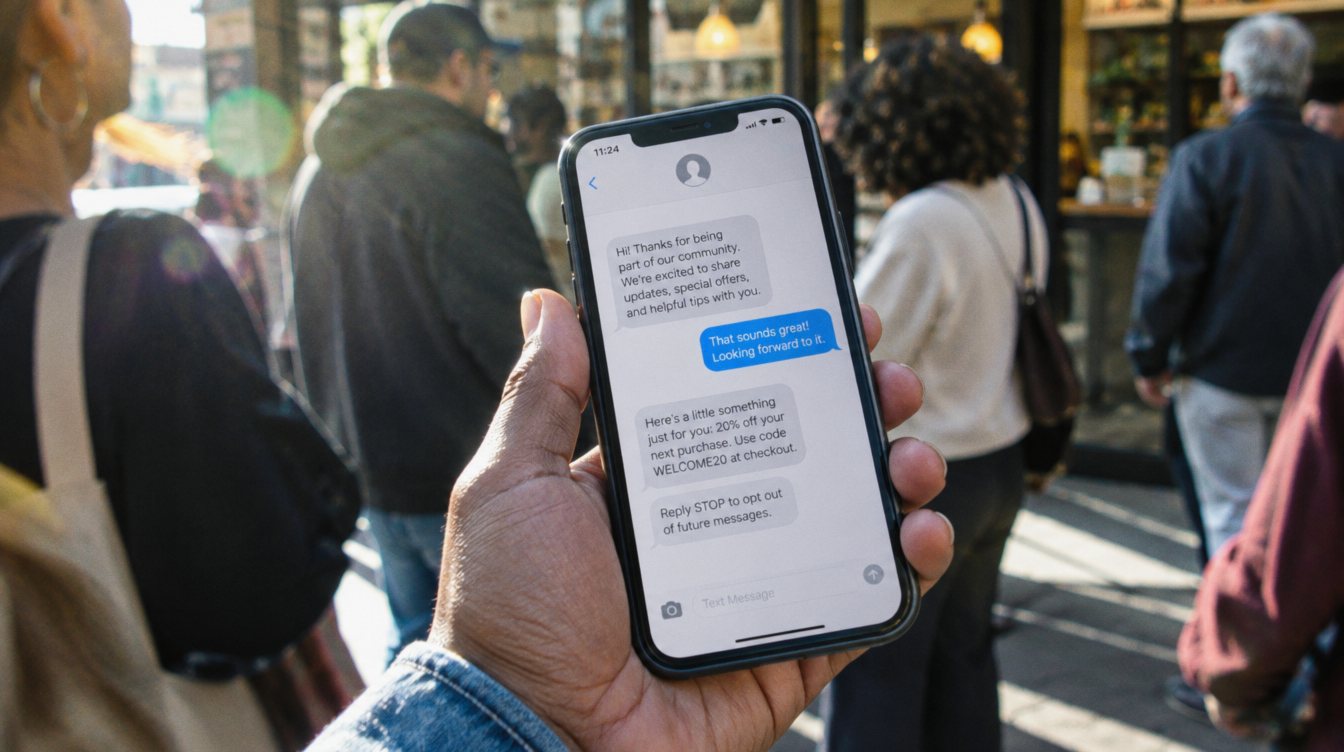
- Include opt-out language in texts where required, such as "Reply STOP to opt out."
Branch by what they asked for
One sequence for everyone is the fastest way to sound generic. Even a simple split helps. If your form asks what service they want, you can send a wedding couple a planning resource and a corporate planner an itemized quote link. If they asked about a date you are already booked on, the system should say so honestly and offer an alternative (a partner vendor, a different service, or a waitlist), instead of pushing a call for a date you cannot do.
| Form answer | First reply focus | Day 2 resource |
|---|---|---|
| Wedding | Date availability, package starting price | A sample reception timeline |
| Corporate event | Itemized quote within one business day | An AV checklist |
| Date already booked | Honest "we are booked" plus an alternative | None; stop the sequence |
When the person replies
This is the handoff, and it is the most important step. The moment a lead replies, three things should happen automatically: the follow-up sequence stops, the lead moves to a "replied" stage in your pipeline, and you (or whoever handles sales) get a notification. From there, a human answers. Automation got the conversation started. It should not try to finish it.
If you use an AI assistant to answer basic questions, give it a short list of facts it is allowed to use and tell it to pass anything else to a person. We cover that tradeoff in AI chat on your website.
Setting it up
- Collect the right fields
Name, phone, email, event date, venue or city, service, guest count. Every extra field is one more reason to quit the form, so ask only what your messages use.
- Write the messages first
In a plain document, before touching software. Read them out loud. If you would not send it by hand, rewrite it.
- Build the sequence
In your CRM's workflow tool, with a stop condition on reply, booking and "not interested."
- Test with your own phone
Fill out your own form with a blank field or two and read every message as a client would.
- Review after a month
Look at which messages get replies. Rewrite the ones that do not.
Most CRMs can do this, including the ones in our guide to CRM setups for event vendors. It is the core of what we build first in an AI Systems Starter Build, and it is how our own event inquiries are handled.
Frequently asked questions
How many times should you follow up with an inquiry?
Four or five follow-ups after the first reply, spread over about two weeks, is a reasonable starting point for event and service businesses. Stop immediately when they reply, book or decline.
Should follow-up be by text or email?
Both. Texts for short, quick messages and email for longer details and resources. Only text people who gave you their number and expect to hear from you, and include opt-out language.
Will people know the messages are automated?
Some will guess, and that is fine. What bothers people is messages that are generic, too frequent, or that ignore something they already said. Specific, short and well-timed reads as organized.
What is the best last follow-up message?
A polite close: say you will stop reaching out, wish them well, and leave the door open. It respects their time and sometimes prompts a reply.