The short answer
- Set the payment schedule in the contract, then let automated reminders follow it so nobody has to chase anyone.
- Send a friendly heads-up before the due date, a note on the day, and short follow-ups after, each with a one-tap pay link.
- Keep the tone plain and kind. Clarity gets people paid; pressure gets people defensive.
- Stop reminders the moment a payment lands, and hand anything past two weeks late to a real person.
Payment reminders that get paid without feeling pushy have three things in common: they arrive on a schedule the client already agreed to, they are short and friendly, and they include a link that lets the client pay in one tap. When those reminders are automated, nobody on your team has to remember to send them, and nobody has to have an awkward conversation about money. Most late payments are not refusals. They are forgotten emails.
This guide covers the timing, the wording, the setup and the mistakes that turn a helpful reminder into an annoying one. It is written for event vendors and service businesses that take deposits and collect balances before a date, but the same ideas work for any invoice.
Why most late payments are a systems problem
When a client misses a balance due date, the instinct is to think they are avoiding you. Usually the cause is simpler. The invoice went to a spam folder, the due date lived only in a PDF, the person who pays is not the person who booked, or the client meant to pay on payday and forgot.
Every one of those is fixed by a system, not a stern email. A clear schedule written into the contract, a reminder that goes to the right person, and a link that works on a phone solve most of it before you ever feel the need to follow up personally.
A reminder is a service to your client, not a complaint about them.
A reminder schedule that works
Here is a simple sequence for a balance due 14 days before an event. Adjust the days to match your own contract, but keep the shape: one heads-up, one due-day note, and a short, spaced follow-up.
- Friendly heads-up
"Your balance of $X is due next Friday. Here is your link whenever you are ready." No pressure, just information.
- Short reminder
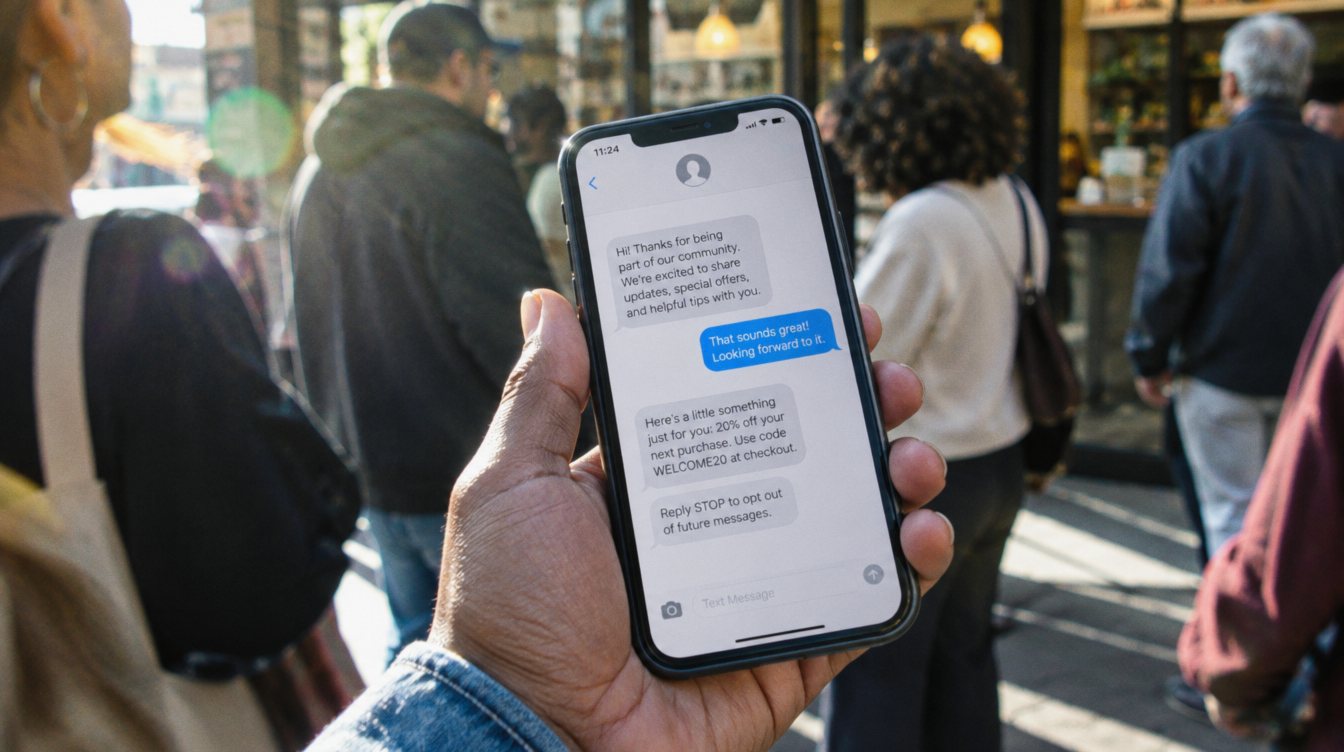
One or two lines plus the link. A text works well here if the client opted in to texts.
- Due today
Confirm the amount, the link and the date. Mention that it keeps their date and plans on track.
- Gentle check-in
Assume good faith: "Just making sure this did not get buried." Offer to answer questions.
- Clear next step
Restate what the contract says happens next, plainly and without threats.
- Hand off to a person
The automation stops and you or your team reach out directly by phone.
Stop every reminder the moment the payment posts. Nothing damages trust faster than a "your payment is late" text an hour after someone paid.
What to say: clear beats clever
The best reminder wording is boring in a good way. It names the amount, the due date and the link, and it sounds like a real person wrote it. Avoid all caps, red text, words like "FINAL NOTICE" on a first reminder, and guilt. Here is how the two approaches compare.
Clear and friendly
- "Hi Maria, a quick note that your balance of $1,200 is due Friday."
- One-tap pay link right in the message.
- Signed by a real name.
- Offers help: "Reply here with any questions."
- Same calm tone in every message.
Pushy
- "URGENT: PAYMENT OVERDUE" on the first message.
- Asks the client to log in somewhere to find the invoice.
- Sent from a no-reply address.
- Mentions penalties before asking if something went wrong.
- Tone gets sharper with each reminder.
A few wording rules worth keeping:
- Put the amount and due date in the first line.
- Use the client's first name and your own.
- Include the pay link in every message, not just the first.
- Keep texts under about 300 characters and emails under 100 words.
- Give a way to reply to a person, not a no-reply inbox.
- Mention payment plans only if your contract actually offers them.
Make paying easier than ignoring
A reminder only works if paying is easy. If the client has to find an old email, download a PDF, or call you with a card number, many will put it off. Every reminder should open a payment page that shows the amount due and accepts a card or bank payment on a phone in under a minute.
Two more things help. First, let clients save a card or set up autopay for scheduled payments when they sign, if your payment tool and contract allow it. Second, send the reminder to whoever actually pays. For weddings that might be a parent; for corporate events it is often an accounts payable inbox. Ask for the billing contact at booking and put it on the invoice.
The cleanest setups connect the contract, the invoice and the reminders, so the schedule in the signed agreement creates the reminders automatically. We cover that first step in automating contracts and deposits.
How to set up automated payment reminders
Most invoicing and CRM tools can send reminders on a schedule. The difference between a setup that works and one that annoys people is in the details.
- Write the schedule into your contract
Deposit at signing, balance a set number of days before the date, and what happens if a payment is missed. Reminders should only ever repeat what the client already agreed to.
- Pick one source of truth for invoices
Use the tool that already holds your contracts and invoices, so reminders know what is paid. Reminders from a separate tool that cannot see payments are how double reminders happen.
- Build the sequence
Set the heads-up, due-day and late messages from the timeline above, with a stop condition: payment received ends the sequence.
- Write the messages in your own voice
Read them out loud. If you would not say it to a client in person, rewrite it.
- Choose channels with consent
Email works for everyone. Texts work well but need the client's opt-in, and business texting in the US requires carrier registration, covered in our guide to A2P 10DLC registration.
- Test it on yourself
Create a fake client with your own email and phone, send a small test invoice, pay it, and confirm the reminders stop.
- Set the hand-off
Decide the day automation stops and a person calls. Put it on someone's task list automatically.
Common mistakes to avoid
Most reminder complaints come from the same handful of problems. Check your setup against this list once a quarter.
- Reminders that keep going after payment, because the reminder tool cannot see the payment tool.
- Texts sent late at night or early in the morning. Schedule sends for normal business hours in the client's time zone.
- Late fees that are not in the signed contract. If you charge them, put them in writing and check what your state allows.
- Too many reminders. More than two messages in the week after a due date starts to feel like pressure.
- Generic "Dear Customer" messages that look like phishing.
- Pay links that expire or open a login screen.
If you only fix one thing, fix the stop condition. A reminder that knows a payment arrived is the difference between a professional system and a spam machine.
Where this fits in a bigger system
Payment reminders are one step in the path from inquiry to paid balance. When the same system handles inquiry follow-up, booking, contracts and invoices, reminders are almost free to add because the dates and amounts already exist.
That is how we run our own event business: contracts, invoices and payment reminders live in one connected system, and it is part of what we build for clients through AI Systems. A Starter Build automating one area, such as contract to payment, starts at $1,500.
Frequently asked questions
How many payment reminders should I send?
Usually one before the due date, one on the due date, and one or two after, spaced a few days apart. After about two weeks late, stop automating and reach out personally.
Should payment reminders go by text or email?
Email is the default because everyone can receive it. Texts get read faster, but only send them to clients who opted in, and make sure your business texting is registered with the carriers.
Is it rude to send automated payment reminders?
Not when they are friendly, expected and accurate. Most clients appreciate a heads-up. Reminders feel rude when they are aggressive, too frequent, or arrive after the client already paid.
Can I charge a late fee?
Only if it is in the agreement the client signed, and only within what your state allows. When in doubt, ask an attorney before adding late fees to your contract.
What if a client cannot pay on time?
Have a person talk with them. If your policy allows a short extension or a split payment, put the new schedule in writing and update the reminders to match.