The short answer
- Record to two cards at once when your camera allows it, so a single card failure never costs you the day.
- Offload with checksum verification to at least two drives, keep a third copy offsite, and do not format a card until all copies are confirmed.
- Buy cards your camera maker recommends for your recording format, from authorized sellers, in sizes that limit how much one card holds.
You can reshoot a product video. You cannot reshoot a first kiss. Memory cards and backups are the least exciting part of a kit and the most important. Most lost footage is not from a dramatic card death; it is from a rushed offload, a formatted card or a single drive that quietly fails months later.
This guide covers the cards, the drives and the routine. Card and drive prices have moved a lot in 2026, so we give ranges and suggest checking current listings.
Choosing memory cards
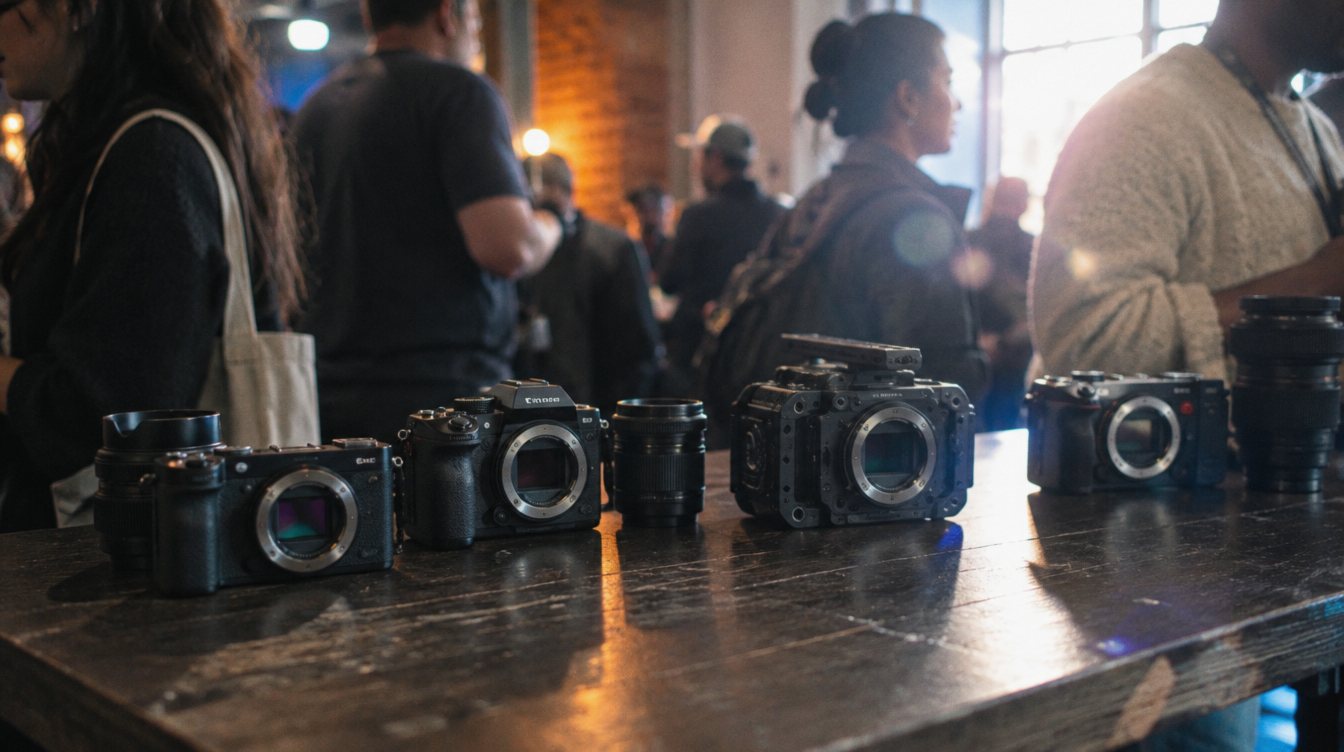
Start with your camera's manual, not a shopping list. Manufacturers publish which card types and speeds support each recording format. The two bodies we shoot on are a good example: the Canon EOS R5 C and EOS C50 each have one CFexpress Type B slot and one UHS-II SD slot. Higher bitrate formats, including RAW, generally need the CFexpress slot, while lighter formats and proxies can go to SD. Check Canon's current card recommendations for each mode.
| Card type | Where it fits | What to check |
|---|---|---|
| CFexpress Type B | RAW and high bitrate video on cameras with the slot | Sustained write speed; a VPG400 rating means a guaranteed minimum sustained write of 400 MB/s |
| SD UHS-II, V90 | Lighter codecs, proxies, a second recording copy | V90 is the video speed class to look for on demanding formats |
| SD UHS-I, V30 | Entry cameras, booth cameras, audio recorders | Fine for 1080p and modest bitrates |
CFexpress Type B
SanDisk PRO-CINEMA CFexpress Type B
Best for: cinema and hybrid cameras recording high bitrate video.
- Rating
- VPG400 versions available (check the exact capacity)
- Typical price
- Roughly $200 to $500 depending on capacity and sales
- Video performance rating designed for sustained recording
- Confirm which capacities carry the VPG400 rating
CFexpress Type B
Angelbird AV PRO CFexpress Type B SE
Best for: a value CFexpress card from a brand focused on video media.
- Versions
- CFexpress 2.0 and newer 4.0 (v4) cards
- Typical price
- Around $130 to $180 for 512 GB, depending on version and sales
- Lower cost per gigabyte than many pro cards
- Check your camera's tested card list for the version you buy
Use more, smaller cards instead of one huge one. If a card fails or gets lost, you lose a part of the day, not all of it.
How big should your cards be?
Size cards to the job, not to the biggest number on the shelf. Work out roughly how many minutes your main recording format fits per card, using the camera's display or the manufacturer's recording time tables. Then aim for each card to hold a natural chunk of the day: getting ready, ceremony, reception. Swapping cards at quiet moments, such as between the ceremony and cocktail hour, also gives you a natural point to move a full card into safe keeping.
Carry at least one spare card per camera beyond what you expect to use, plus spares for audio recorders. Running out of space during a toast is a planning failure, not bad luck.
Drives: working copies and archives
Portable SSD
Samsung T9 Portable SSD
Best for: fast on-site offloads and editing from an external drive.
- Speed
- Up to about 2,000 MB/s read over USB 3.2 Gen 2x2
- Typical price (2 TB)
- Has swung from about $150 to $350 in recent sales and price hikes
- Fast enough to offload and edit directly
- Small enough to keep in a camera bag
- Full speed needs a USB 3.2 Gen 2x2 port; many computers run it slower
- Prices are volatile in 2026
For archives, large hard drives or a network storage box (NAS) give you the most space per dollar. Speed matters less there; reliability and a second copy matter more.
The 3-2-1 rule
Three copies sounds like a lot until a drive dies. Drives fail, get dropped, get stolen from cars and get corrupted by a bad cable. The 3-2-1 rule means any single disaster leaves you with at least one good copy.
The workflow, step by step
- Prepare and format in camera
Format every card in the camera you will use it in. Label cards and set up dual recording or a backup slot.
- Track every card
Full cards go into a dedicated "shot" wallet, never back into the "empty" pocket. Keep shot cards on your body, not in a bag left at the booth.
- Verified offload
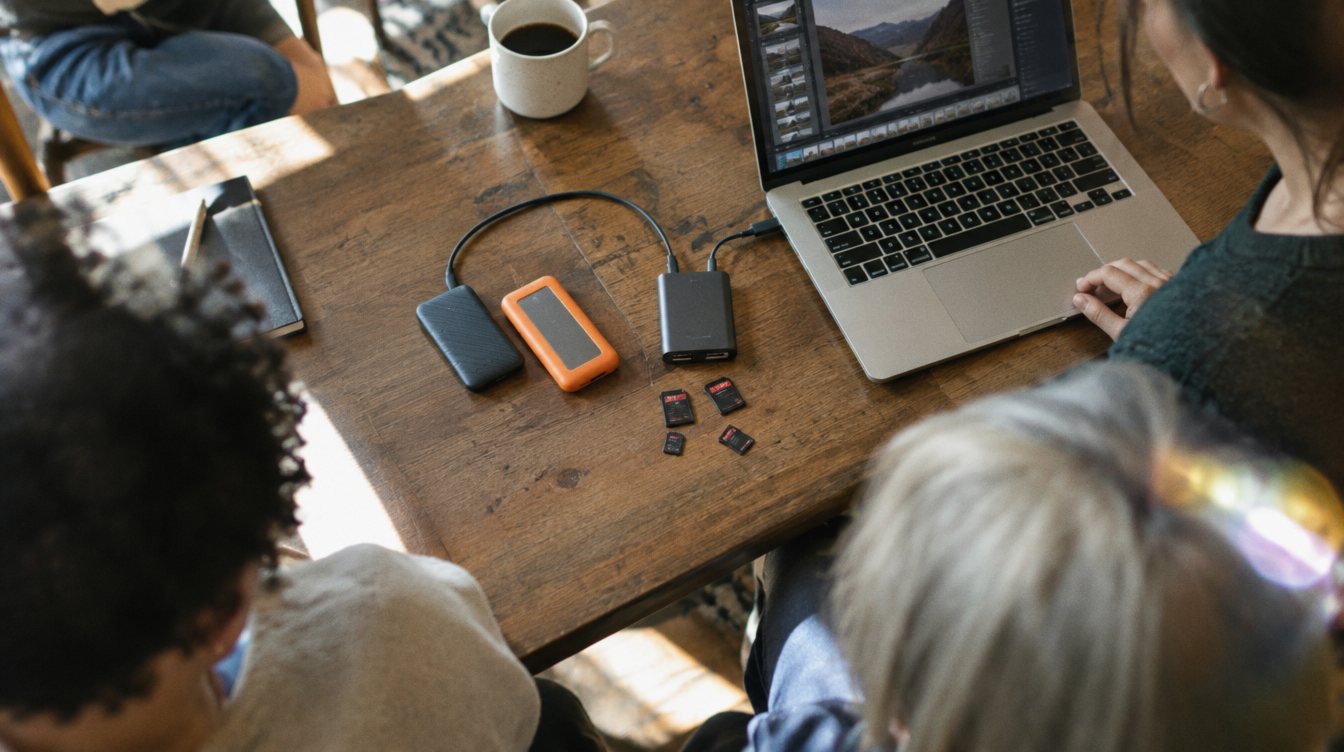
Copy each card to two drives with checksum verification. DaVinci Resolve's Clone Tool on the Media page does this for free; dedicated apps like Hedge's OffShoot (around $149 to $169) are faster.
- Third copy offsite
Upload to cloud storage or move a drive to a second location.
- Only now, format
Keep cards untouched until all three copies are confirmed, ideally until the client has the final.
A card is not empty until three copies say so.
Rules that prevent most losses
- Never delete clips in camera; format the whole card later.
- Never eject a card or drive without unmounting it.
- Name folders the same way every time: date, client, camera, card number.
- Buy cards from authorized sellers. Counterfeit cards are common and fail under load.
- Retire cards that throw any error, even once.
- Keep a written policy for how long you store client footage, and tell clients.
This is the backbone of how we handle footage on our wedding and content shoots. When you are ready for the edit side, see our guide to the video editing setup, and for card-hungry formats, our notes on the Canon EOS R5 C for event video.
Practice drill: the fire drill
Once a month, pick a past project and try to restore it from your offsite copy only. Time how long it takes and whether every file opens. If you cannot restore it, you did not have a backup. You had a hope.
Frequently asked questions
Should I record to both card slots at once?
For events, yes, whenever your camera and format allow it. A simultaneous backup recording protects you from a single card failure during moments that cannot be repeated.
Is copying files by drag and drop good enough?
It works most of the time, which is the problem. Checksum verification confirms every copy matches the original bit for bit. Resolve's Clone Tool does it for free.
How long should I keep client footage?
Set a policy and put it in writing. Many videographers keep raw footage for a defined period after delivery, then keep only the final films long term.
Are cheap memory cards worth the risk?
Not for paid work. Buy name-brand cards that meet your camera's recommended speed, from authorized sellers, and replace any card that shows an error.