The short answer
- The Canon EOS R5 C is a full-frame hybrid: a 45MP stills camera and a Cinema EOS video camera in one small body, with a built-in fan so recording length is set by cards and batteries, not heat.
- For events and interviews, the wins are long uninterrupted takes, internal Cinema RAW Light, 4K at up to 120p, a timecode port and Canon's Dual Pixel autofocus.
- The tradeoffs: no in-body stabilization, no built-in ND filters, and a short reboot when you switch between photo and video modes. Plan your rig around those three.
The R5 C is one of the two cinema bodies in our kit, alongside the Canon EOS C50. These are our working notes on why it earns that spot for event and interview video, what the specs mean on a real job, and how we build it out. Nothing here is a lab test. It is a cinematographer's reasoning about a tool, with the specs checked against Canon's published information.
Why a hybrid cinema body fits event and interview work
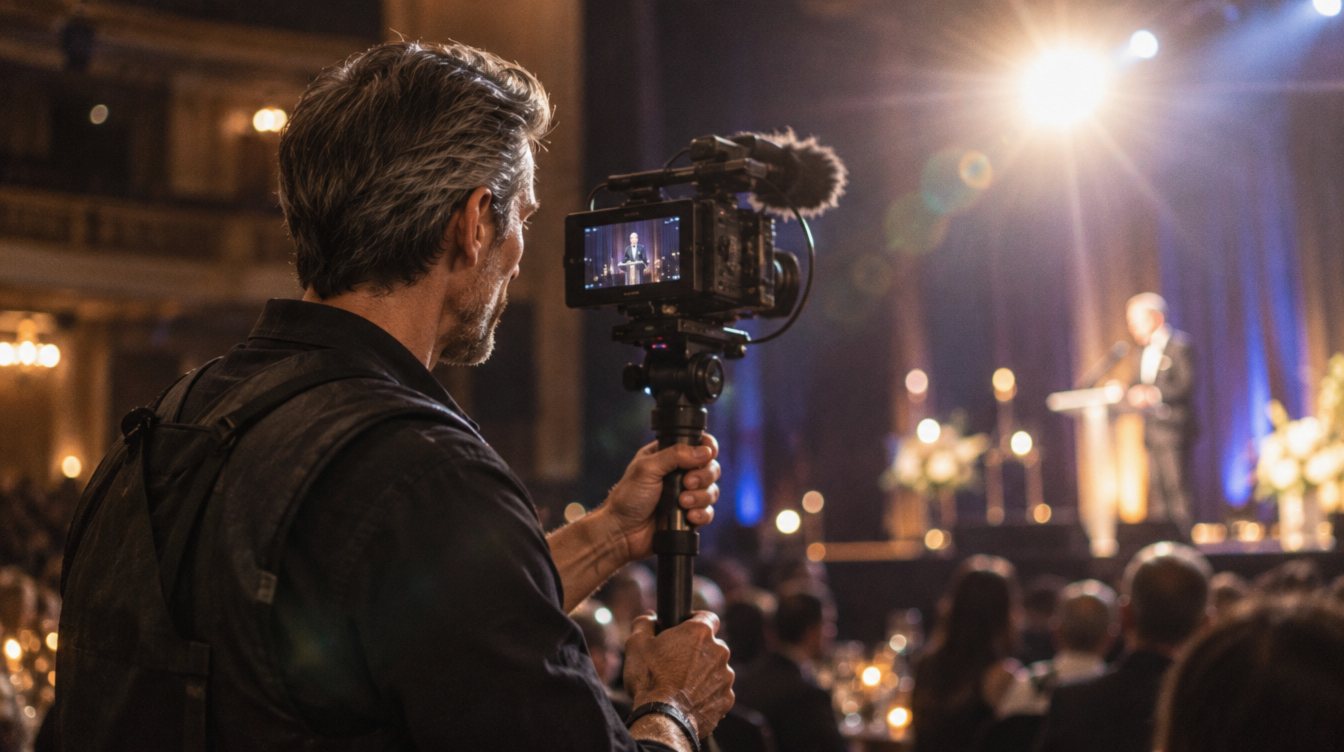
Event video has a problem most other video work does not: you cannot ask for a second take. Toasts, vows, a keynote, a surprise reveal. If the camera stops recording because it got hot, the moment is gone. The R5 C was built around that problem. Canon took the body of the original EOS R5 and added an active cooling fan, which removes heat as the limit on recording time. In practice, run time comes down to card space and power.
Interview work asks for something different: image quality that holds up in a grade, clean skin tones and audio you can sync without guesswork. The R5 C covers that with internal 12-bit Cinema RAW Light, Canon Log 3 and a dedicated timecode terminal.
The third reason is size. A cinema camera that fits on a small gimbal, rides on a shoulder rig and still shoots 45MP stills means one body can cover more of the day. For a small crew, that matters as much as any single spec.
Full-frame cinema camera
Canon EOS R5 C In our kit
Best for: shooters who need long event takes, RAW for interviews and real stills from the same body.
- Sensor
- Full-frame, about 45MP
- Top video
- 8K internal RAW (30p on standard battery, 60p with added power)
- Slow motion
- 4K up to 120p
- Media
- CFexpress Type B plus SD UHS-II
- Mount
- Canon RF
- Price
- Launched at $4,499; has sold well below that since (prices change)
- Fan cooling for long takes
- Cinema RAW Light, XF-AVC and MP4 codecs
- Timecode in and out
- Full 45MP stills mode
- No in-body stabilization
- No internal ND filters
- Photo and video modes need a reboot to switch
The specs that actually matter on a job
Spec sheets list everything. These are the lines we look at when deciding whether a camera can carry an event or an interview.
| Spec | What it means in practice |
|---|---|
| Active cooling fan | Long ceremonies, speeches and panel sessions without heat shutdowns. |
| Cinema RAW Light (LT, ST, HQ) | Three RAW sizes, so you can pick RAW for an interview and lighter files for a long event. |
| XF-AVC and MP4 (HEVC, H.264) | Efficient 10-bit files for event coverage that has to move fast through the edit. |
| Canon Log 3 | Holds highlights in mixed reception lighting and grades cleanly in DaVinci Resolve. |
| Dual Pixel CMOS AF with Eye AF | Reliable autofocus on a gimbal or when you are running alone. |
| Timecode terminal (DIN 1.0/2.3) | Syncs multicam and external audio recorders without clapping. |
| Multi-function shoe audio | Digital audio from a compatible XLR adapter, with no cable to the mic jack. |
8K at 60p needs more power than a standard battery delivers. Canon lists external power for it, and its spec sheet also names the newer LP-E6P battery. For events, we treat 8K as a special-purpose mode and spend most of the day in 4K.
Photo mode vs video mode
The R5 C has a three-position power switch: off, video and photo. Each position boots a different system. Photo mode works much like an EOS R5 stills camera. Video mode loads the Cinema EOS menus, the same interface Canon uses on its larger cinema cameras. You cannot record video in photo mode or stills in video mode, and switching takes a few seconds while the camera restarts.
Video mode
- Cinema EOS menus and custom buttons
- RAW, XF-AVC and MP4 recording
- Timecode, waveform and pro monitoring tools
- Where we live for event and interview coverage
Photo mode
- Full 45MP stills with R5-style menus
- Useful for headshots after an interview or product stills on a content day
- Takes a short restart to enter
- Plan stills for natural breaks, not live moments
The lesson for an event day is simple: decide before a key moment which mode you need and stay there. The reboot is short, but it is not instant, and a first kiss will not wait.
How it pairs with RF L lenses
The R5 C has no sensor-shift stabilization. That puts more weight on the lens. Canon's RF L zooms with optical image stabilization, combined with the camera's electronic stabilization on compatible lenses, give a steadier handheld image than the body can on its own. That is a big part of why we pair it with stabilized L-series zooms for run-and-gun work and save unstabilized primes for tripods, sliders and gimbals.
The RF mount also matters for autofocus. Native RF L lenses talk fully to the camera, so Eye AF and the Dual Pixel Focus Guide behave the way they should. Our guide to Canon RF L lenses for video covers which lens to buy first.
No in-body stabilization is not a flaw if you plan for it. Choose stabilized lenses for handheld work and give the unstabilized glass a support.
How we rig it for a full event or interview day
A bare R5 C is small. A working R5 C is a small kit. The point of rigging is to solve the three gaps (stabilization, ND and power) and to make audio reliable.
- A cage or handle that keeps the body light enough for a gimbal but gives you points for a monitor and audio
- A variable ND or a set of fixed ND filters, since there are no internal NDs for bright outdoor ceremonies
- External power for long sessions: a dummy battery with a wall adapter for interviews, or a USB-C Power Delivery source for mobile work
- A multi-function shoe XLR adapter (the Tascam CA-XLR2d-C lists the R5 C as compatible) for two XLR inputs, plus the 3.5mm input for a backup channel
- A timecode source if you are syncing several cameras and an external recorder
- Fast CFexpress Type B cards for RAW, and SD UHS-II cards for lighter codecs
- A gimbal rated for the body and your heaviest stabilized zoom
One published review of that adapter reported a short audio delay when recording started right after power-on (on a different Canon body). It is not something we have tested, so we simply power on early and roll a few seconds before any moment that matters. That habit costs nothing.
Workflow fit: from card to grade
The R5 C's files drop straight into a normal post workflow. DaVinci Resolve reads Cinema RAW Light and Canon Log 3, which is where we grade. For event coverage, 10-bit XF-AVC keeps storage under control. For interviews, RAW gives the most room to fix skin tone and exposure. Our walkthrough of color grading basics in DaVinci Resolve shows the steps.
A sensible split for a mixed day: RAW ST or LT for the sit-down interview, XF-AVC for the event itself, and stills in photo mode during natural breaks. Our guide to camera settings for event video covers shutter, frame rate and picture profile choices.
Who should buy an R5 C, and who should not
The R5 C makes sense if you shoot events and interviews for clients, already use or plan to use Canon RF glass, and want stills from the same body. It is a strong A-camera for a one or two person crew.
It is a weaker fit if you shoot mostly handheld with unstabilized primes, need internal NDs for fast outdoor work, or switch constantly between photos and video during live moments. For those jobs, look at our wider guide to the best cameras for event videography.
If you want to see what this kit produces, our content work uses this same kit: the R5 C, the C50 and RF L lenses.
Frequently asked questions
Does the Canon EOS R5 C overheat?
It has a built-in active cooling fan designed to remove heat as the recording limit, so run time is set mainly by card space and power. As with any camera, keep vents clear and avoid direct sun on the body.
Does the R5 C have in-body image stabilization?
No. It relies on optical stabilization in compatible RF lenses, combined with the camera's electronic stabilization, or on a gimbal or tripod.
Can the R5 C record XLR audio?
Yes, through the multi-function shoe with a compatible adapter such as the Tascam CA-XLR2d-C, which adds two XLR inputs. The 3.5mm mic input is also available.
Can you shoot 8K 60p on battery?
On a standard battery, 8K tops out at 30p. Canon lists external power for 8K 60p, and its spec sheet also lists the LP-E6P battery. Check Canon's current documentation for your firmware.
Is the R5 C good for weddings?
Yes for video coverage, especially long ceremonies and receptions. Just plan around the lack of in-body stabilization and the restart when switching between photo and video modes.