The short answer
- A corporate event needs two timelines: a planning calendar (months out to event week) and a run of show (minute by minute on the day).
- For a mid-size gala, conference or launch, start 4 to 6 months out. Lock the venue and date first, then AV and entertainment, then content and speakers.
- The day-of timeline should start with load-in and a full tech check hours before doors, not minutes.
Most corporate events that go wrong do not fail on the day. They fail weeks earlier, when a decision that should have been made at 12 weeks out got pushed to 2. Speakers send slides the morning of. The venue's load-in window turns out to be an hour. Nobody booked a livestream until the CEO asked for one.
A good timeline prevents that. Below is a planning calendar you can adapt for galas, conferences, product launches and holiday parties, followed by a sample run of show for the day itself.
How far ahead to start
Typical planning lead time by event type (scale: 12 months)
These are typical planning ranges, not hard rules. The real constraint is the venue: popular rooms in December and in spring conference season book far ahead. If your date is in one of those windows, move faster.
The planning calendar
- Goals, budget, date and venue
Write down the purpose of the event in one sentence, the guest count, and the budget range. Then lock the venue and date. Everything else depends on them.
- AV, entertainment and capture
Book sound, lighting, projection, DJ or band, photography, video and livestream. Share the venue's floor plan, power details and load-in rules with your AV team.
- Program and speakers
Draft the agenda. Confirm speakers, presenters and honorees. Decide where awards, videos and sponsor moments go in the program.
- Content and design
Slide templates, walk-in and walkout music, stage branding, signage, and any videos that play during the show. Collect certificates of insurance from every vendor.
- Walkthrough and draft run of show
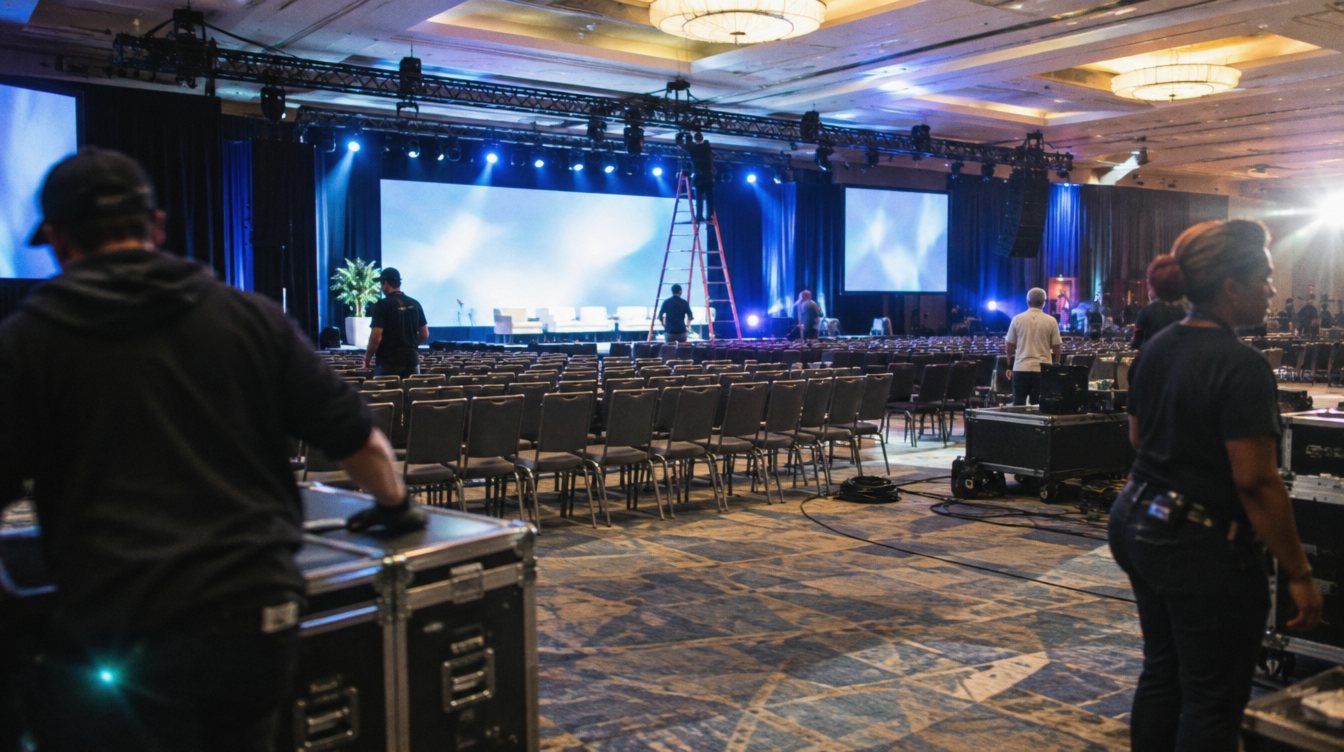
Walk the room with the venue and AV lead. Confirm stage position, screen sight lines, camera spots and where the tech table goes.
- Final slides, scripts and headcount
Lock final presentations and the MC script. Send the final run of show to every vendor and presenter.
- Confirmations and rehearsal
Confirm arrival times with every vendor. Schedule a rehearsal or at least a slide and mic check with presenters.
Set one hard deadline for final slides, and put it in writing to every presenter. Late slide changes are the most common cause of on-stage problems at corporate events.
What to lock first, and why
Order matters because each decision limits the next one. The venue determines capacity, power, ceiling height and load-in. Those determine what sound, lighting and projection are possible. The AV plan determines what presenters can do on stage. Booking in that order saves you from redesigning the show later.
Lock early
- Venue and date
- Guest count range
- AV and production team
- Keynote speaker or entertainment
- Photo, video and livestream
Can finalize later
- Exact slide decks
- Seating chart
- Final headcount
- Playlist details
- Signage text
Sample day-of run of show
Here is a sample for an evening gala with a program, dinner and dancing. Adjust times to your venue's access window.
- Load-in begins
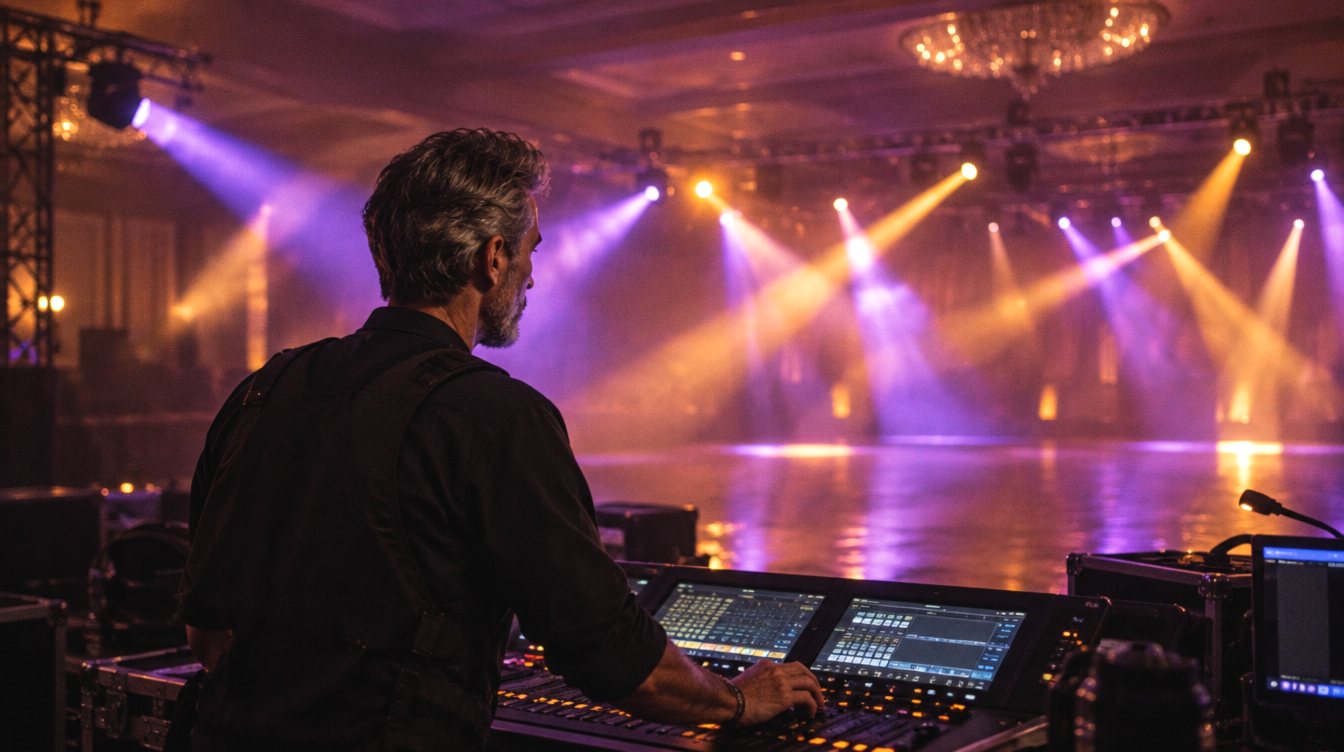
AV, staging, drape and decor arrive. Power and cable runs first, then speakers, lights and screens.
- Tech check
Every mic, every slide, every video, played on the real system. Lighting looks are programmed.
- Presenter rehearsal
Speakers walk the stage, test the clicker and confirm their cues.
- Doors and reception
Walk-in music, photography of arrivals, sponsor wall.
- Program opens
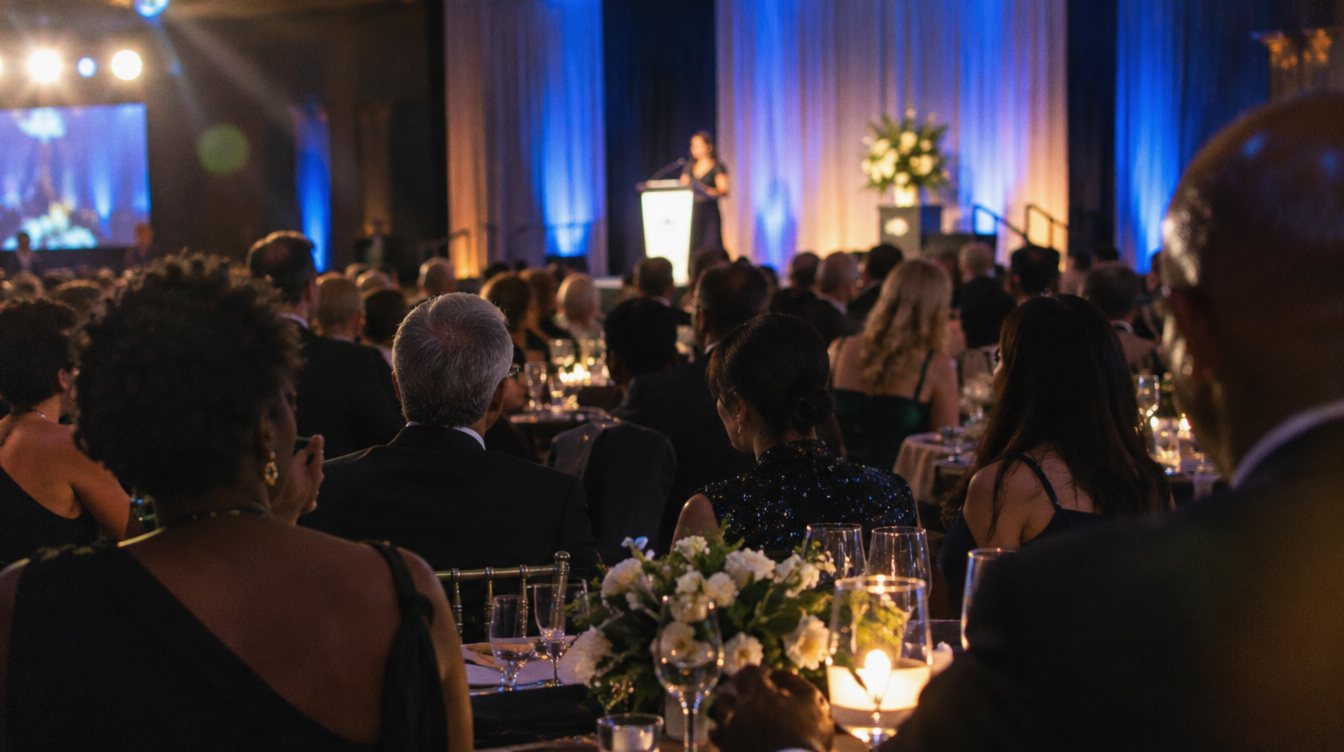
Welcome, opening video, first speaker. Livestream goes live if there is one.
- Dinner service
Background music. Crew and vendors eat now.
- Awards and keynote
The main moments, with cameras and lighting focused on the stage.
- Dancing or networking
DJ takes over, lighting shifts to a party look.
- Event ends, strike begins
Guests out, gear down, room cleared by the venue's deadline.
Your run of show is a promise to everyone in the building. If it is not written down and shared, it does not exist.
What goes in a run of show document
- Time for each segment, with a start and an end
- Who is on stage and which mic they use
- Slides, videos or music cues for each segment
- Lighting changes
- Who gives the cue (stage manager, MC, planner)
- Vendor arrival and strike times
- Contact list with cell numbers for every lead
Share one version, label it with a date, and send updates as new versions, so no one is working from an old copy.
Where AV fits in the timeline
Bring your AV team in early, ideally right after the venue is booked. They will ask about guest count, room size, power and the program, and the answers shape the quote. Our corporate event AV checklist lists everything to confirm, and our guide to reading an AV quote helps you compare bids. If you want the event to keep working after the night ends, plan the recap video at the same time; see our event recap video guide.
On our side, we send an itemized quote within one business day of your request, and bigger shows get a quick call or site visit before the date is locked with a deposit. You can build your quote from our production menu, or see the full list of services on our event production page.
Frequently asked questions
How far in advance should I book AV for a corporate event?
For most mid-size events, 3 to 4 months ahead is comfortable. For December holiday parties and large conferences, book as soon as the venue is confirmed.
Who should own the run of show?
One person: usually the event planner, producer or stage manager. Everyone else contributes, but one person keeps the master copy and sends updates.
Do we really need a rehearsal?
For anything with multiple speakers, videos or awards, yes. Even 30 minutes of mic and slide checks with each presenter prevents most on-stage problems.
How long does AV setup take?
It depends on the size of the show. Simple presentation sound can be ready in an hour or two, while a full stage with lighting and projection can take most of the day. Ask your AV team how much time they need and match it to the venue's access window.