The short answer
- Frame rate: pick 24 or 30 fps for the main coverage, and 60 fps or higher only for shots you plan to slow down.
- Shutter: start at about double your frame rate (1/50 at 24 fps, 1/60 at 30 fps), and adjust to stop flicker from venue lights.
- White balance: set it manually in Kelvin and lock it, so footage matches from shot to shot.
- ISO and profile: use the lowest ISO the room allows, and shoot log only if you will color grade it. Otherwise use a standard profile.
For most event video, shoot at 24 or 30 frames per second with your shutter around double the frame rate, set white balance manually and lock it, keep ISO as low as the light allows, and choose a picture profile that matches your edit plan. Lock these choices in before guests arrive so every camera and every clip matches.
Below we explain each setting, why it matters at events specifically, and how to set up a camera in a few minutes before the doors open.
Frame rate: decide how the footage should feel
Frame rate controls how motion looks and whether you can slow footage down later. Pick one main rate for the event and match all cameras to it.
| Frame rate | Look | Use it for |
|---|---|---|
| 24 fps (23.976) | Cinematic, film-like motion | Wedding films, recaps, brand-style event pieces |
| 30 fps (29.97) | Slightly smoother, broadcast feel | Corporate sessions, livestream matches, content headed to TV-style edits |
| 60 fps (59.94) | Smooth, or slowed to about 40 percent speed in a 24 fps timeline | Dance floor moments, entrances, details you want in gentle slow motion |
| 120 fps and up | Strong slow motion | Confetti, sparklers, dramatic moments; needs a lot of light |
In the US, the "24" and "30" settings on most cameras are really 23.976 and 29.97. That is normal. Just make sure every camera and your editing timeline use the same rate.
Shutter speed: the 180-degree starting point
A common rule is to set your shutter to about double your frame rate. This is called the 180-degree shutter. It gives natural-looking motion blur.
- 24 fps: 1/50 (the closest common setting to 1/48)
- 30 fps: 1/60
- 60 fps: 1/120 or 1/125
Events add one complication: flicker. Many venue lights, especially LEDs and older fluorescents, pulse with the electrical current. In the US, where power runs at 60 Hz, shutter speeds of 1/60 and 1/120 usually avoid it. At 24 fps, 1/50 can show banding under some lights. If you see rolling bars or pulsing on your monitor, try 1/60 at 24 fps, or use your camera's fine shutter or flicker reduction if it has one.
Stop the flicker first. Viewers will never notice a slightly different motion blur, but everyone notices pulsing lights.
Shutter is not your exposure tool. Once it is set, leave it. Control brightness with aperture, ISO and ND filters instead.
ISO: as low as the room allows
ISO brightens the image but adds noise as it climbs. At events you rarely get to add light, so the goal is the lowest ISO that still exposes properly with your lens wide open or close to it.
Two things to know:
- Every camera has a usable ceiling
Shoot a short test in a dark room at different ISOs and look at it on a big screen. Find the point where noise starts to bother you. That is your working limit, and it is different for every camera.
- Log profiles often have a higher minimum ISO
Many cameras set a higher lowest ISO in log modes. Check your manual for the base ISO in each profile, so you are not surprised when you switch.
Fast lenses help far more than high ISO. Our guide on how to shoot in low light at receptions and parties covers the full approach for dark rooms.
White balance: set it and lock it
Auto white balance drifts as the camera sees colored stage lights, uplighting and candles. That means shots that should match will not, and fixing it in the edit takes time.
Set white balance manually in Kelvin. Start around 3200K for warm indoor light and around 5600K for daylight, then adjust by eye on a calibrated monitor or with a gray card. Use the same setting on every camera in the same space. When the room changes (sunset, a lighting cue), change it on purpose and note when you did.
Picture profile: standard or log
A picture profile controls how the camera records contrast and color. This choice should come from your edit plan, not from what looks impressive on a spec sheet.
Log profile
- Records more dynamic range for bright windows and dark rooms
- Gives you more room to color grade
- Looks flat until graded, and needs correct exposure
- Adds editing time on every clip
Standard or a built-in look
- Looks finished straight out of camera
- Faster turnaround for same-day or next-day edits
- Less room to recover highlights
- A safe choice for beginners and fast corporate work
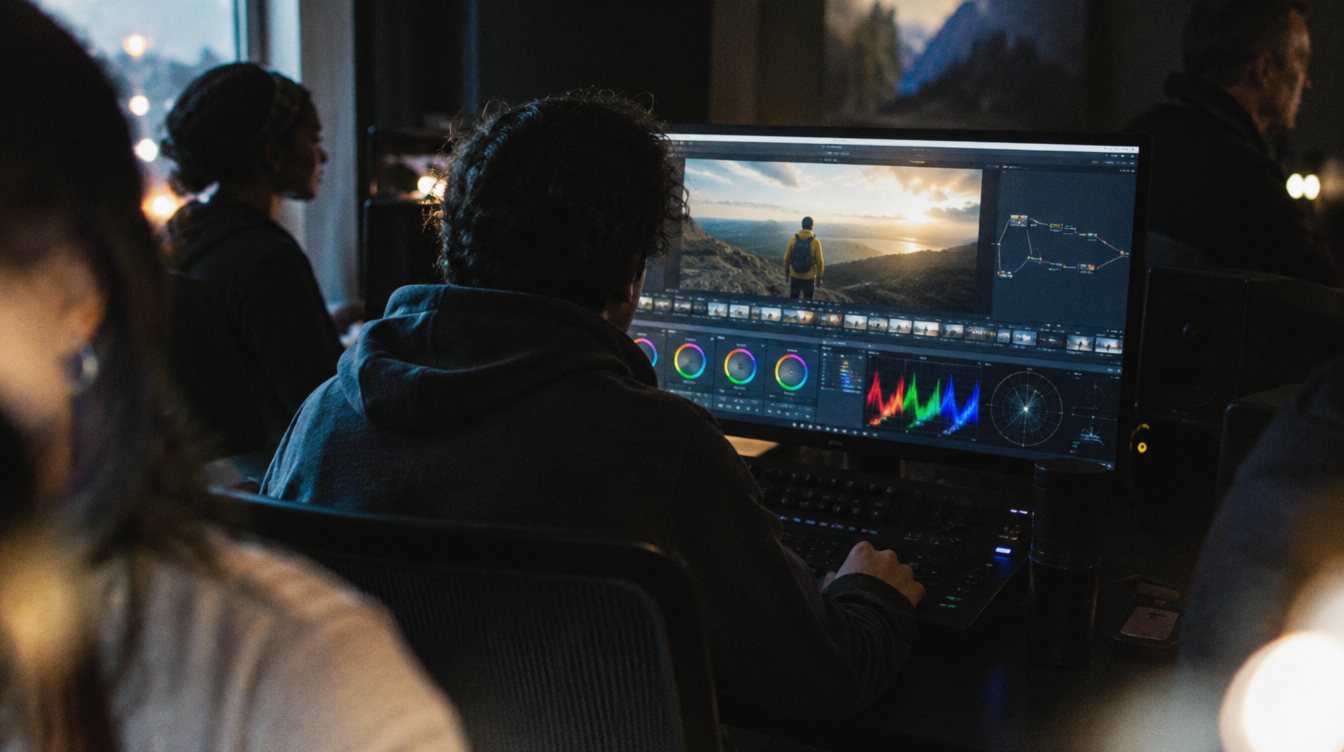
We recommend beginners start with a standard profile and learn exposure first. Move to log when you are ready to grade, and practice in color grading basics in DaVinci Resolve. On our own shoots we use Canon Log on the Canon EOS R5 C and EOS C50 when the edit allows time to grade, and a standard look when the turnaround is tight.
A pre-event setup routine
Run through these steps before guests arrive, and do it the same way every time.
- Match the basics on every camera
Resolution, frame rate, codec, shutter and timecode or clock time.
- Check for flicker
Point each camera at the room's lights and watch the monitor. Adjust shutter if you see bars.
- Set and lock white balance
One Kelvin value per space, matched across cameras.
- Find your exposure tools
Turn on zebras or a waveform, know where your ISO limit is, and have ND filters ready for outdoor ceremonies.
- Set audio levels
Record a test from the speaker's mic or the soundboard feed. Peaks around -12 dBFS give you headroom for loud moments.
- Format fresh cards and check batteries
Only format cards that are already backed up twice. See our backup workflow guide.
Frequently asked questions
Should I shoot event video in 24 or 30 fps?
Use 24 fps for a cinematic wedding or recap film, and 30 fps when the footage will sit beside broadcast or livestream content. The key is choosing one and matching every camera to it.
Why does my footage flicker under venue lights?
Many lights pulse with the power line frequency. In the US, a shutter of 1/60 or 1/120 usually removes it. Some cameras also offer flicker reduction or fine shutter control.
Is auto ISO okay for events?
It can help in run and gun moments when light changes fast, but set a maximum ISO so the camera does not push into noise you would never accept. Manual control gives more consistent results.
Should beginners shoot in log?
Only if you plan to grade every clip and can expose log correctly. Most beginners get better results faster with a standard profile, then move to log once their exposure is consistent.