The short answer
- A good livestream needs five things: at least two cameras, a switcher with an operator, a clean audio feed from the sound board, front light on the stage, and a dedicated wired internet line.
- Your AV team needs the run of show, the platform, any remote presenters and the venue's internet details 2 to 4 weeks out.
- Always record locally as well as streaming, and test the full path at the venue before doors open.
A hybrid event serves two audiences at once: the people in the room and the people watching on a screen somewhere else. The room is forgiving. Remote viewers are not. They cannot lean in to hear a quiet speaker, and if the picture freezes, they close the tab.
The good news is that a solid stream is not mysterious. It is a short list of systems that each have to work, and most failures trace back to one of them being treated as an afterthought.
Decide what kind of hybrid you are running
"Hybrid" covers a wide range. A one-way broadcast of a keynote is very different from a session where remote attendees ask questions and remote speakers present live. Settle this first, because it changes the gear list.
One-way livestream
- Remote viewers watch; they do not appear on screen
- Chat or a Q&A tool for questions, read aloud by the MC
- Simpler audio and fewer things to go wrong
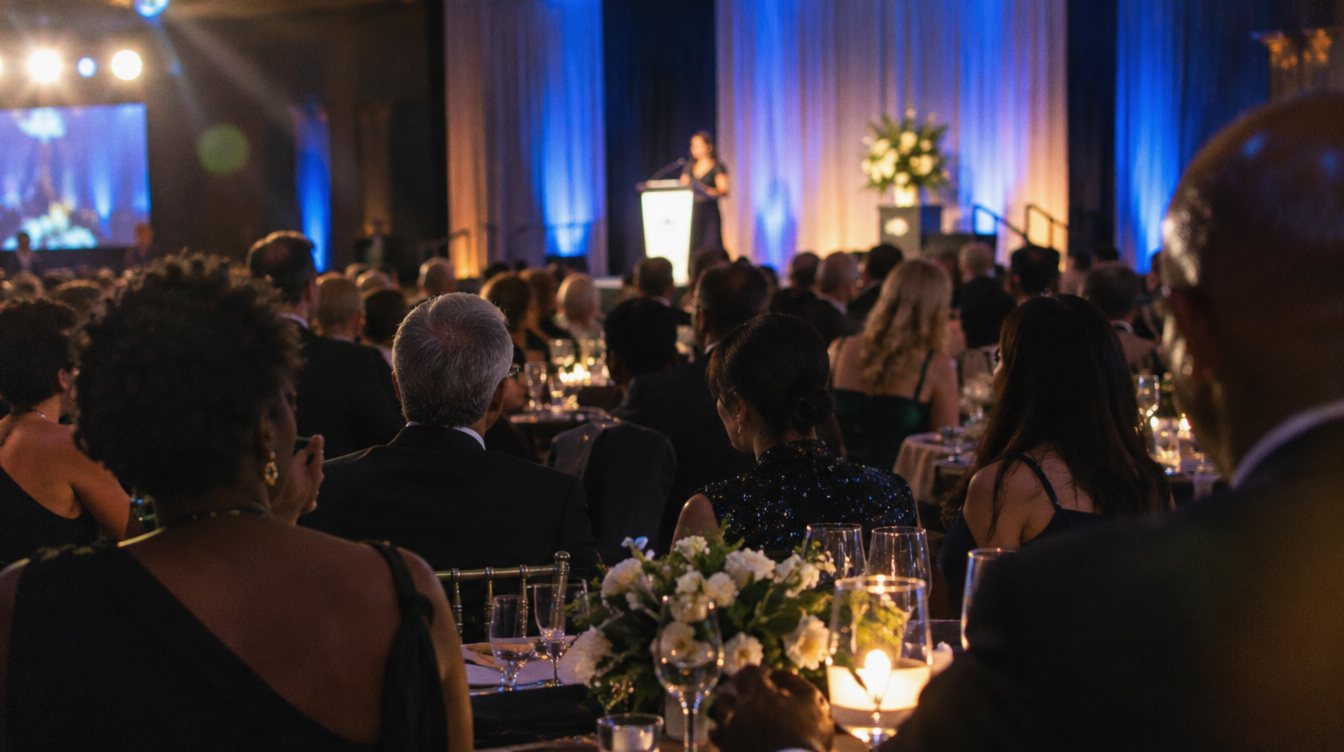
- Fits galas, keynotes, award shows and launches
Interactive hybrid
- Remote speakers present into the room on the screens
- The room hears them and they hear the room
- Needs a return feed and careful audio routing to avoid echo
- Fits conferences, panels and all-hands meetings
Also decide where the stream lives. YouTube, Vimeo, Zoom, a company intranet or an event platform each have different setup steps, stream keys and privacy options. Your AV team should know the platform and who controls the account well before show day.
The five systems a stream depends on
1. Cameras
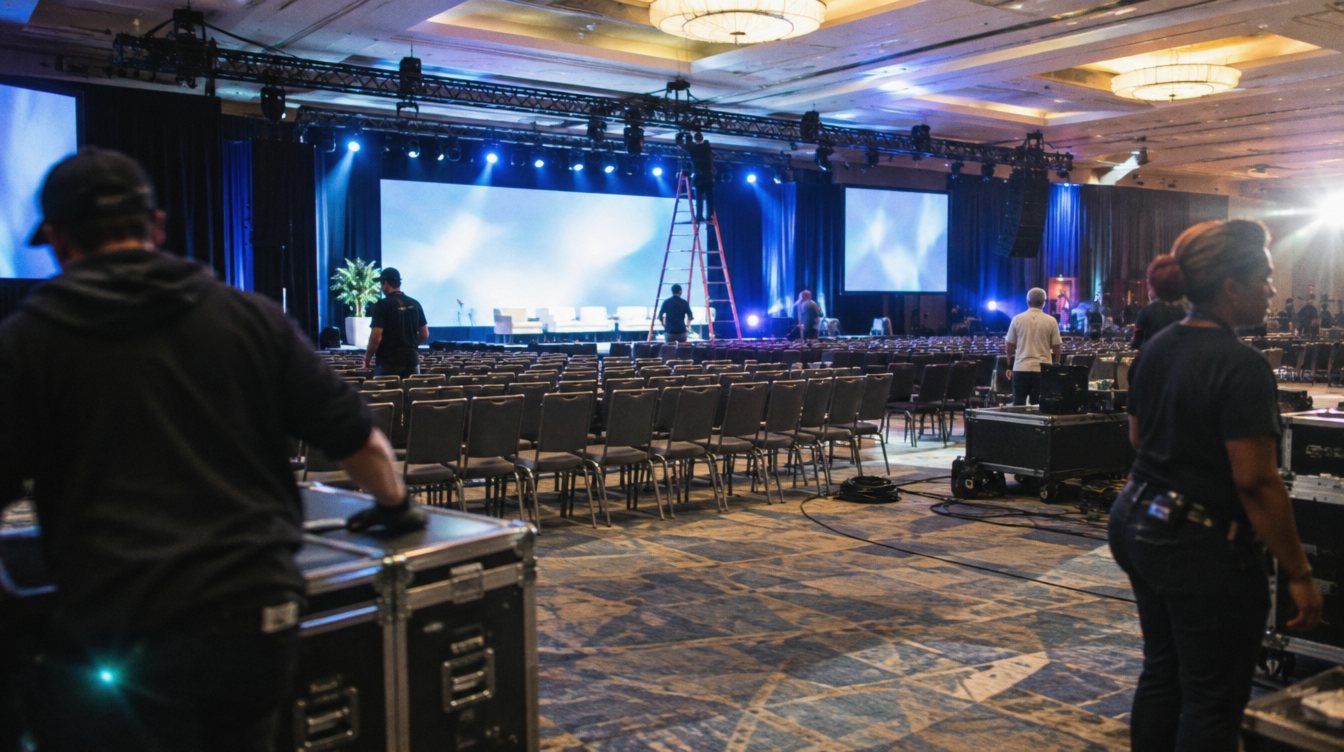
One locked-off camera makes a stream feel like security footage. Two cameras let the operator cut between a wide shot of the stage and a tighter shot of the speaker, which is the minimum for a stream people will actually watch. A third camera on the audience or a second angle helps panels and performances.
2. A switcher and an operator
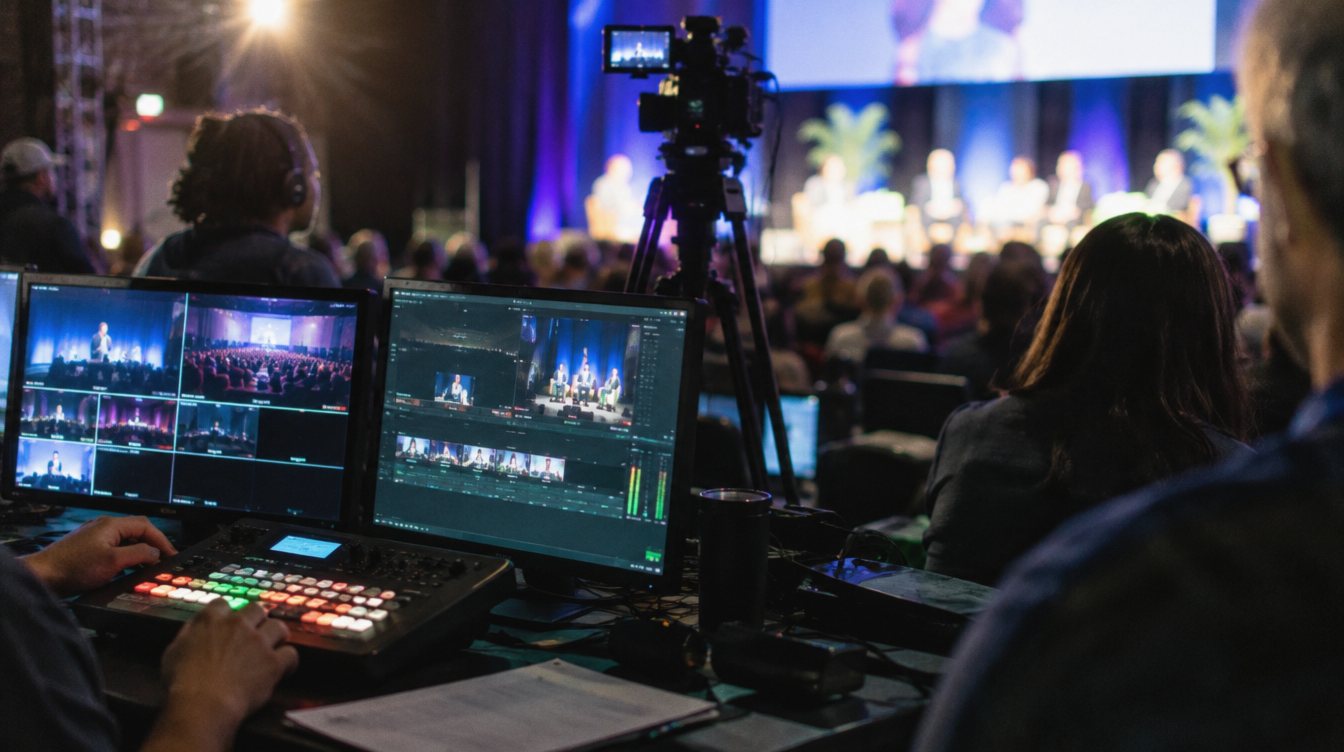
The switcher combines camera feeds, slides and graphics into one program output. A dedicated operator cuts between them, adds lower-third name titles and puts slides full screen when a speaker refers to them. Without an operator, remote viewers miss half of what the room sees.
3. Audio from the board
This is the system most often done wrong. Never stream the sound from a camera microphone in the back of the room. The stream needs a direct feed from the sound mixer, so viewers hear exactly what the microphones pick up. If you are also playing music or video, those need to be in that feed too.
Remote audiences forgive a soft picture far more than bad sound. If the budget is tight, spend it on the audio feed and the engineer before a third camera.
4. Lighting for the camera
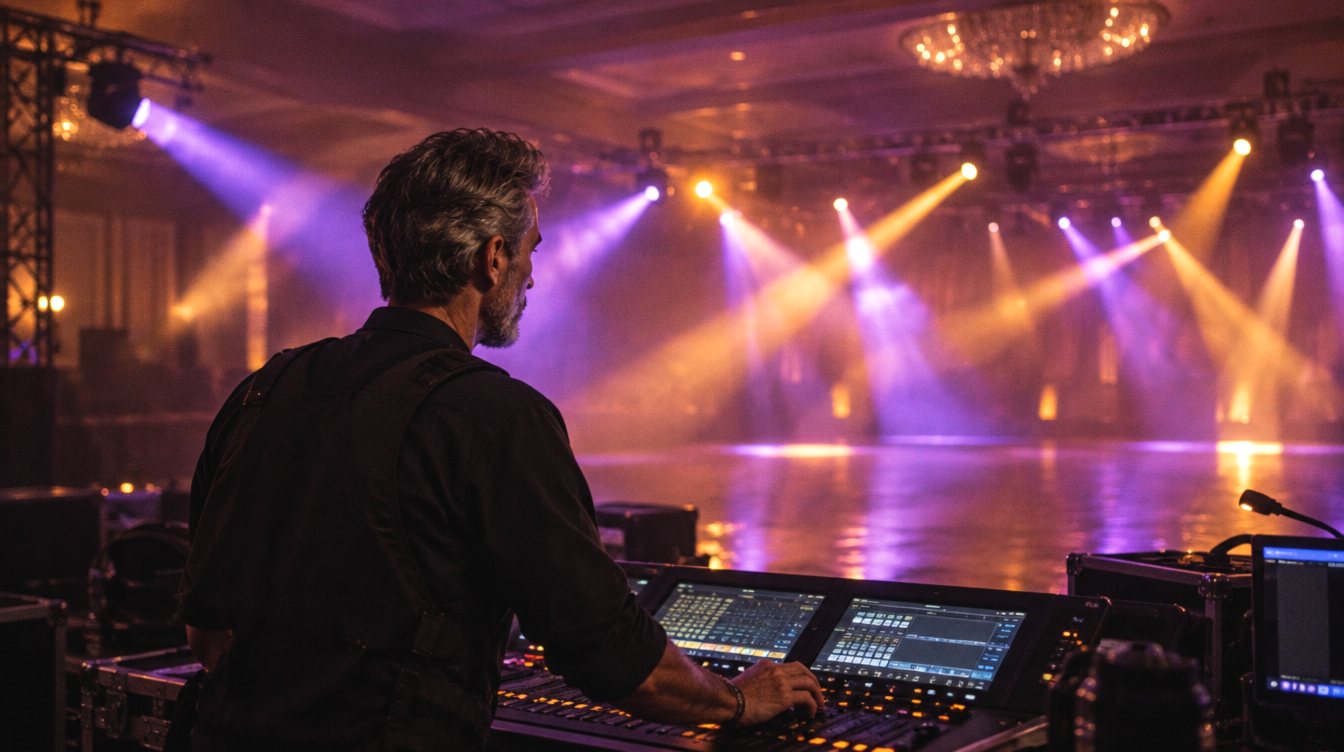
A room lit for dinner looks dark and muddy on a stream. The stage needs even front light so faces read clearly, without the speaker squinting into it. Avoid putting a bright screen directly behind a speaker, since the camera will expose for the screen and turn the person into a silhouette.
5. Internet
Ask the venue for a dedicated, wired connection for the stream, not the guest Wi-Fi that 300 phones are also using. Recommended stream bitrates for 1080p vary by platform and settings (YouTube publishes its own table), so plan for a steady upload speed of at least double your stream's bitrate, and test it at the venue at the same time of day as your event.
Remote presenters and the return feed
If someone presents from home into the room, two things must happen. The room has to see and hear them, so their video goes to the screens and their audio goes into the sound system. And they have to hear the room, without hearing themselves echo back. Audio engineers solve this with a "mix-minus" feed: everything in the mix except the remote person's own voice.
Schedule a tech check with every remote presenter a day or two before. Confirm they have a wired connection if possible, a headset or decent mic, and a light in front of them rather than a window behind them. Have a recorded backup of their talk if the content is critical.
What to send your AV team, and when
- 4 to 6 weeks out: the basics
Date, venue, guest count, platform, one-way or interactive, and a draft run of show. This is enough for an accurate quote.
- 2 to 4 weeks out: the details
Speaker list with name spellings for lower thirds, any remote presenters, branding files and a contact at the venue who knows the network.
- 1 week out: content
Final slides and videos in one folder, a stream key or platform login shared securely, and the holding slide for before and after the stream.
- Show day: full test
Run the whole path with a private test stream: cameras, slides, audio feed, remote presenters and playback. Check it on a phone off the venue network.
- After: the recording
Confirm who receives the full recording and in what format, so it can be posted or cut into clips.
Record locally every time. The stream is a broadcast; the recording is the asset you keep.
Common livestream mistakes
- Relying on venue Wi-Fi with no tested backup, such as a bonded cellular unit
- Streaming audio from a camera mic instead of the sound board
- No one watching the actual stream output during the event
- Videos played from a laptop that never reach the stream audio
- House lights dimmed so far that faces disappear on camera
- Starting the stream late, with no holding slide while viewers wait
- Forgetting music licensing: some platforms mute or block streams that play copyrighted songs, so keep walk-up music out of the stream feed if you are unsure
What a livestream costs
Our multi-camera capture and livestream starts at $3,495 for a 4-hour event. That covers two cameras, a switcher, the stream and a full recording. Sound is a separate line, because the stream relies on a good room mix: presentation sound starts at $1,695 for up to 150 guests, and full event sound at $4,995 for up to 400. Stage lighting starts at $1,495 if the room needs it. For how these fit with everything else, see our corporate event AV checklist and the full production toolkit.
If you also want a short highlight piece afterward, a recap video is a different deliverable from the stream recording, cut for social and future marketing.
Frequently asked questions
Can we livestream with just one camera?
You can, and for a short internal update it may be fine. For anything public or longer than about 20 minutes, two cameras and an operator make a big difference in whether viewers stay.
Do we need special internet at the venue?
You need a dedicated wired line with steady upload speed, tested in advance. Many hotels and conference centers sell this as a separate service, so ask early and get the details in writing.
Which platform should we stream to?
Pick the platform your audience already uses. YouTube and Vimeo work well for public streams, while Zoom or an event platform suit internal or registered audiences. Your AV team can stream to most of them.
Will we get a recording of the stream?
You should. Ask for a local recording made at the venue, separate from the platform's copy. It is higher quality and does not depend on the internet holding up.