The short answer
- Start with light, not settings: position yourself so existing light (candles, uplights, the DJ's lights, stage wash) falls on your subject.
- Use fast lenses. Going from f/2.8 to f/1.4 gives you two full stops, which is like moving from ISO 6400 down to ISO 1600.
- Know your camera's clean ISO limit from your own tests, and stay under it.
- Add a small, dimmable light only when needed, and bounce or diffuse it so it does not flatten the room.
To shoot good video in a dark reception, work with the light that is already in the room, use fast lenses so you are not forced into high ISO, stay within your camera's clean ISO range, and add a small, soft light only when the moment needs it. The goal is footage that still feels like the room did: warm, moody and alive, not flat and noisy.
Here is the approach, from where you stand to what you set and what you bring.
Why receptions are hard to shoot
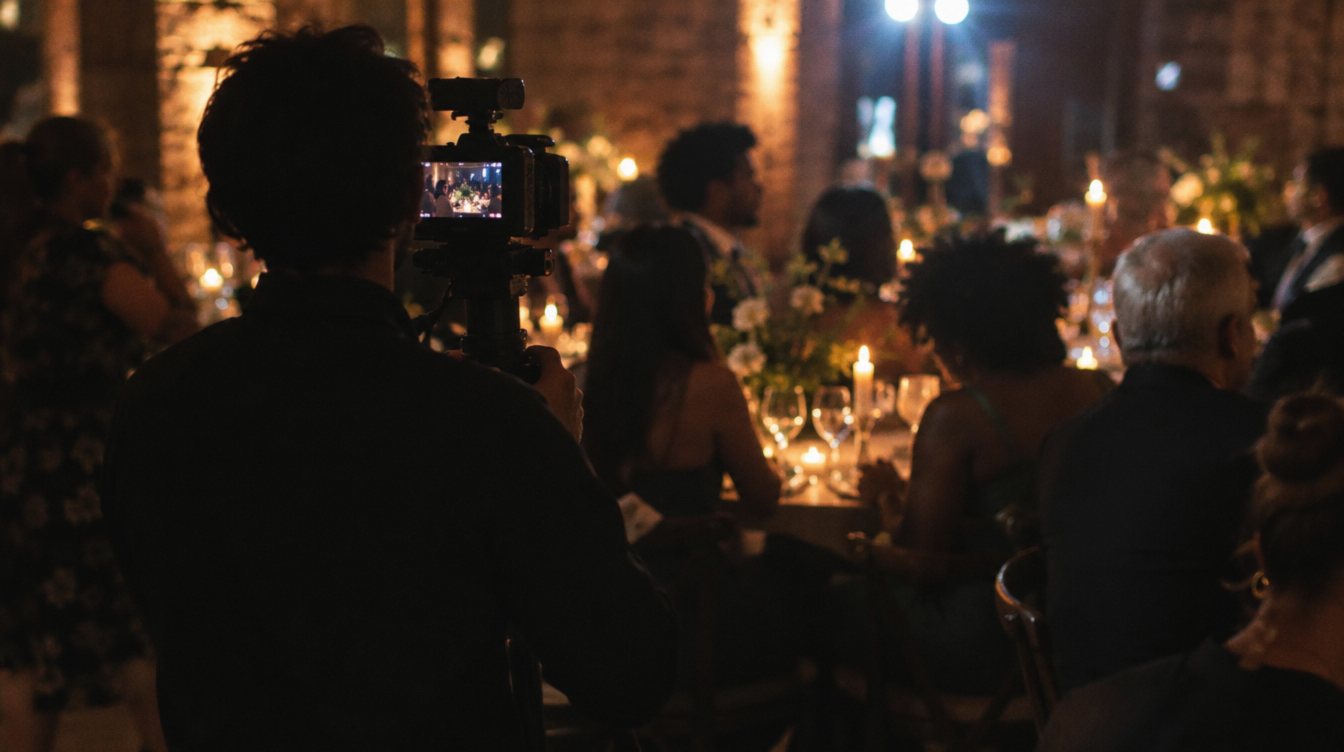
Reception rooms are designed for atmosphere, not cameras. Lights dim after dinner, colored uplighting changes skin tones, and the brightest thing in the room is often a dance floor light pointed straight at your lens. Add moving subjects and no chance to reshoot, and low light becomes the core skill of event video.
Step 1: Find and use the existing light
The fastest way to clean footage is to stand in the right place. Before the lights drop, walk the room and note where light already falls.
- Find the brightest working areas
The head table, cake table, dance floor and speaking spot are usually lit. Plan your key angles around them.
- Put the light on faces
Position yourself so the light source is beside or slightly in front of your subject, not behind them. Backlight looks beautiful but leaves faces dark.
- Talk to the DJ and lighting team
Ask what changes when the dance floor opens, and whether a soft wash on the floor is possible during key moments. A small request early in the night costs nothing.
- Use practical lights in the frame
Candles, string lights and lamps in the background add depth and make dark footage look intentional.
Ask the planner before the event whether the room will go dark for first dances or toasts. Knowing that in advance lets you pick lenses and positions before the moment arrives.
Step 2: Use fast lenses
A wide maximum aperture is the most effective low-light tool you can own. Every stop you gain from the lens is a stop you do not have to take from ISO.
| Lens type | Typical widest aperture | Low-light use |
|---|---|---|
| Standard zoom | f/2.8 (some kit zooms f/4 or slower) | Flexible coverage of toasts and formalities |
| Fast prime (35mm, 50mm, 85mm) | f/1.2 to f/1.8 | Dance floor, candid moments, close details in very dark rooms |
| Telephoto zoom | f/2.8 to f/4 | Speeches from the back of the room; needs the most light |
Wide apertures bring a tradeoff: very shallow depth of field. At f/1.4, a moving subject can slip out of focus quickly. Many shooters stop down slightly (to f/2 or f/2.8) for moving subjects and save the widest settings for steady moments. Our guide to Canon RF L lenses for video covers how we think about building a lens kit around this.
Step 3: Set your camera for the dark
Your basic settings stay the same as any event: match frame rates, lock white balance and set shutter to avoid flicker. Our guide to camera settings for event video covers those. For low light specifically:
- Know your clean ISO limit from your own test footage, viewed on a large screen, not the camera's small monitor
- Expose for skin tones, not the overall frame. Dark backgrounds can stay dark
- Use zebras, false color or a waveform if your camera has them, because a dim monitor in a dark room makes everything look brighter than it is
- Do not slow your shutter below your frame rate to gain light; motion turns into smears
- Avoid high frame rates for slow motion in dark spaces unless you have the light for it
- Check autofocus performance in the dark before the key moments, and switch to manual focus if it hunts
A dim monitor in a dark room lies. Trust your exposure tools, not your eyes.
Step 4: Add light carefully
Sometimes there is simply not enough light on faces. A small light can save a speech or a first dance, but used badly it flattens the room and blinds guests.
Subtle added light
- Small dimmable LED, bi-color to match the room
- Bounced off a wall or ceiling, or diffused
- Placed off to the side, not straight on
- Set just bright enough to lift faces
Harsh on-camera light
- Full power from the camera position
- Flat, "news camera" look
- Distracts guests and the couple
- Kills the atmosphere the couple paid for
For speeches, a small light on a stand near the speaking spot, aimed and dimmed before the event, often works better than a light on your camera. Match its color temperature to the room (usually warm) so it blends in. Our guide to the best LED lights for interviews and small sets covers what to look for in a compact, dimmable light.
Step 5: Clean it up in post
Even good low-light footage can benefit from careful finishing:
- Grade for mood first
Keep blacks rich and skin warm. Do not try to make a candlelit room look like daylight.
- Use noise reduction lightly
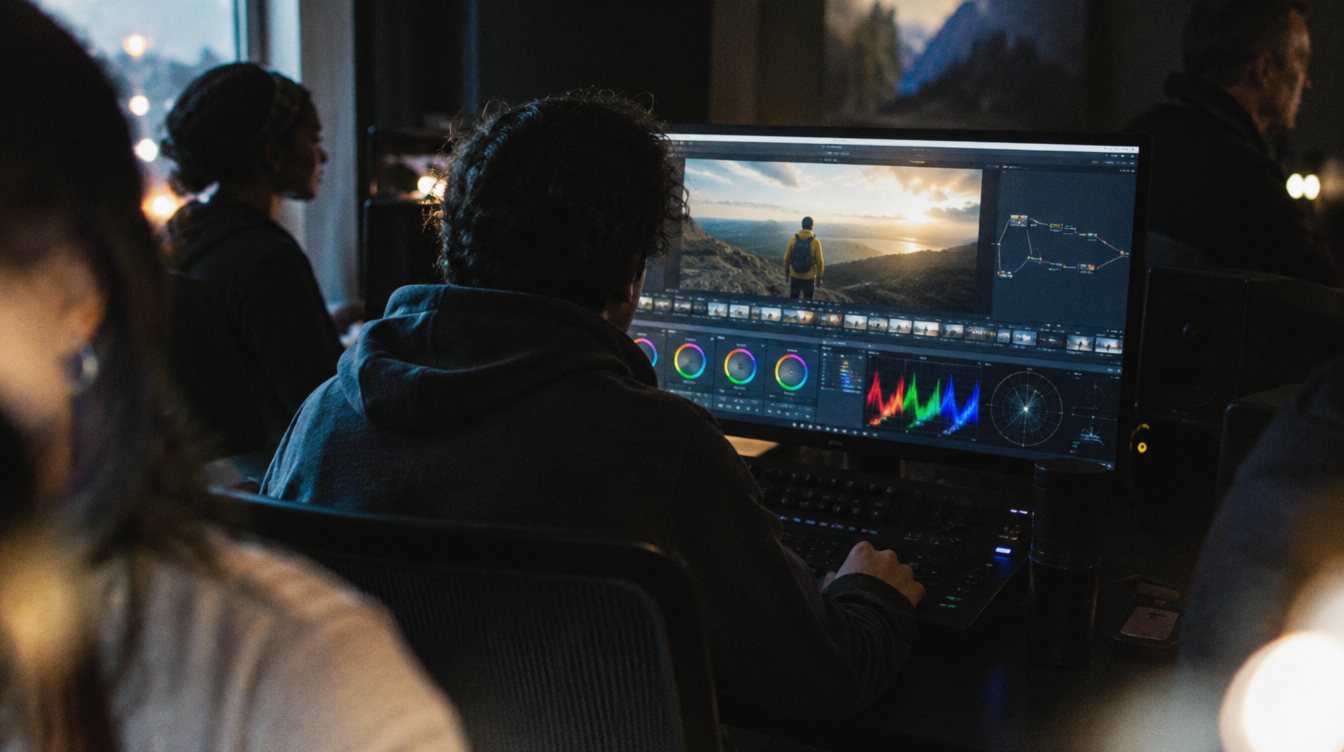
Tools like the noise reduction in DaVinci Resolve Studio can help, but too much makes skin look waxy. Apply it to the clips that need it, not the whole timeline.
- Match shots
Footage from different cameras and positions will vary. Match exposure and color across a scene before you stylize it.
A low-light practice drill
Turn off the overhead lights at home and light a room with only a few lamps and candles. Have a friend move around and talk. Shoot the same scene at different lens apertures and ISOs, then view every clip on a big screen. Note your clean ISO limit, how autofocus behaves, and which positions put light on their face. Twenty minutes of this tells you more than any spec sheet.
Frequently asked questions
What is the best ISO for low light video?
There is no single number. It depends on your camera and how much noise you accept. Test your own camera in a dark room and find the highest ISO you are happy with, then stay at or below it.
Do I need a full-frame camera for dark receptions?
Full-frame sensors generally handle low light well, but fast lenses and good positioning matter as much. Plenty of strong reception footage comes from careful shooting more than from a specific sensor size.
Should I use an on-camera light at a wedding?
Only when necessary, dimmed low and diffused or bounced. A light on a stand near a speech spot is often less distracting and looks better.
Why does my dark footage look worse on a big screen?
Small camera monitors hide noise and look brighter in a dark room. Use exposure tools while shooting and always review tests on a large display.