The short answer
- Repurposing works best when you plan for it before the shoot, not after. Decide the long piece and the short pieces at the same time.
- One half-day or full-day shoot can realistically produce a hero video, 6 to 15 short vertical clips, stills, audio pull quotes and written posts.
- The trick is capturing extra: vertical-safe framing, standalone answers, alternate hooks and plenty of b-roll.
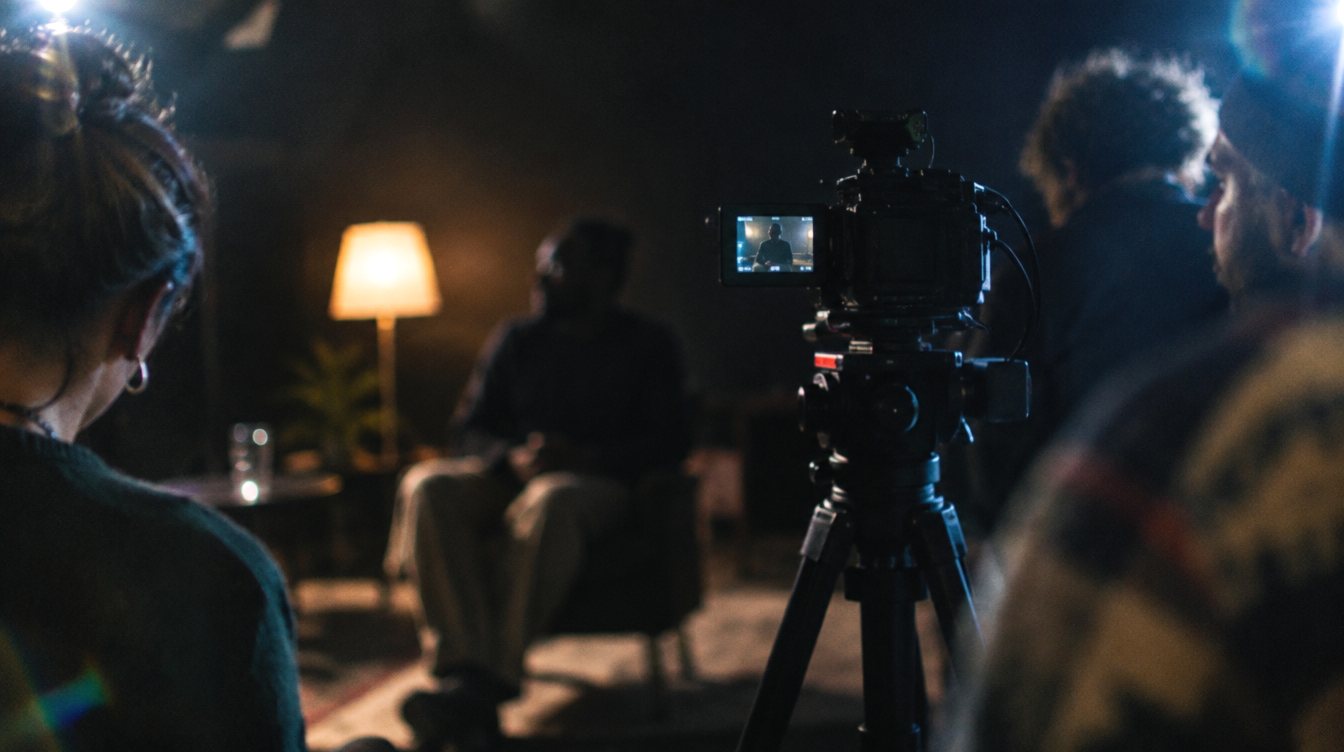
Most businesses treat a video shoot as one deliverable. They hire a crew, get one polished video, post it once, and then go quiet for three months. The footage that did not make the cut sits on a drive.
That is a waste of the most expensive part of video: getting people, lights, cameras and a location together on the same day. Once you have paid for that, the cost of making ten more pieces from it is mostly editing time. This guide shows how to plan a shoot so the second, third and twentieth piece are built in from the start.
What one shoot can turn into
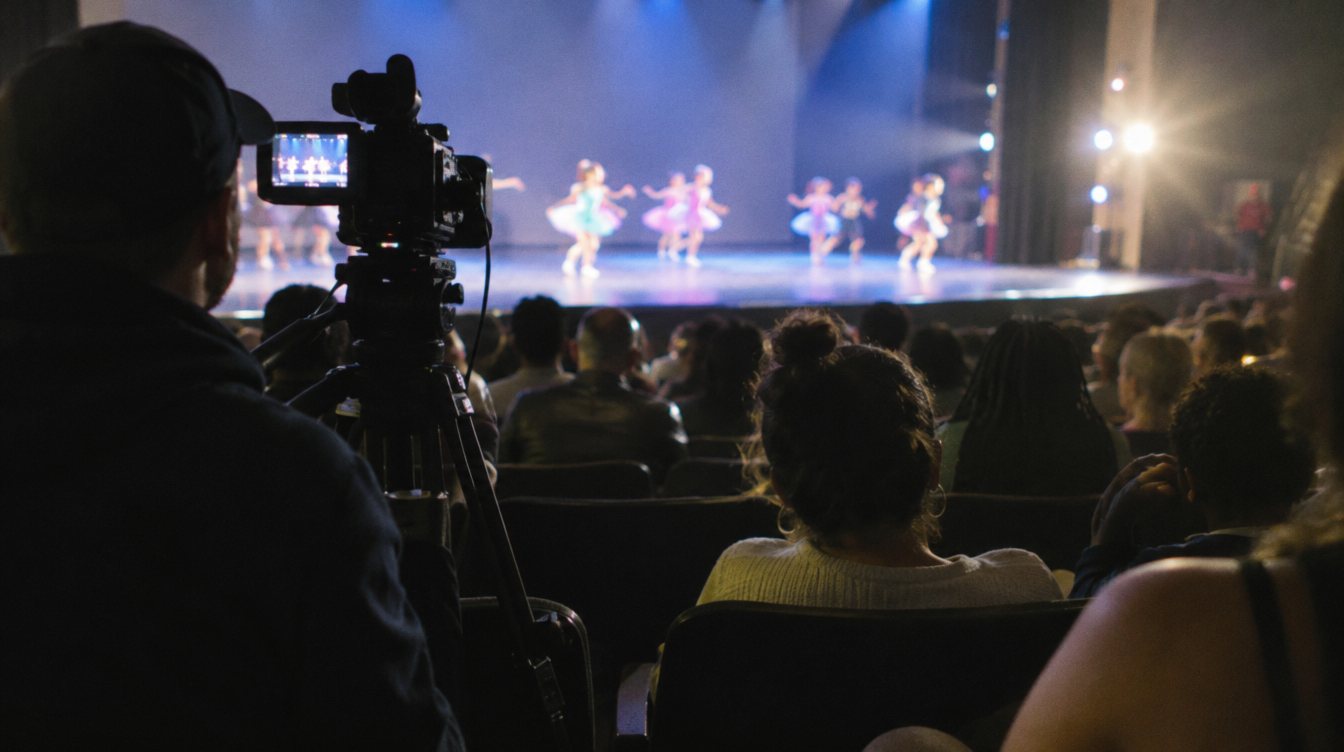
Here is a realistic picture of what a single planned shoot day can feed. The exact numbers depend on how long you film and how many people talk on camera.
Add to that the things people forget: a few audio clips for a podcast or voice note, written posts built from what was said on camera, an email newsletter, and captions for a blog post. The words your team says on camera are content too.
Plan the pieces before you plan the shoot
The single biggest mistake is shooting a two-minute brand video and then asking an editor to "find some reels in there." A two-minute script is written to flow as one piece. Its best lines lean on what came before them, so they do not stand alone.
Flip the order. Write a list of the short pieces first, then figure out how they add up to the long one.
- List the questions your customers ask
Go through your inbox, DMs and sales calls. Every recurring question is a short video. Ten questions is a good start.
- Pick the one big message
This becomes the hero video: who you are, who you help, and why you. It is usually 60 to 90 seconds. Our guide on how long a brand video should be goes deeper on length.
- Map every short piece to a format
Talking answer, behind-the-scenes, process shot, product close-up, team moment. Variety keeps a month of posts from feeling like one video chopped up.
- Write hooks, not scripts
For each short piece, write the first line only. People speak more naturally when they know where to start and roughly where to end.
- Build the shot list from the map
Now you know which setups you need, how many outfit changes, and what b-roll covers each answer.
If a clip only makes sense after watching another clip, it is not a standalone piece. Ask each person on camera to restate the question in their answer: "The most common thing people ask us is..."
How to shoot so the footage can be reused
Planning gets you the right ideas. These on-set habits get you footage an editor can actually cut many ways.
Frame for both 16:9 and 9:16
Your hero video is probably horizontal. Your short clips are vertical. If the subject is framed tight to one side of a horizontal shot, the vertical crop will cut them off. Keep the subject near the center third with headroom, or run a second camera framed for vertical. On our own shoots we capture in high resolution on cinema cameras, which leaves room to crop a vertical frame out of a horizontal one without it falling apart. Our post on shooting and editing vertical video covers the crop math.
Ask for short and long answers
Ask each question twice: once for a full answer, once for "give me that in one sentence." The short version becomes a hook or a caption. The long version becomes the body of a clip.
Shoot b-roll for every answer
A talking head for 45 seconds loses people. B-roll of hands working, the space, the product and the team gives the editor cutaways for every clip. See how to shoot b-roll that tells a story for a simple system.
Record clean audio once
Good audio makes every clip usable. Bad audio ruins every clip. A lav plus a backup recorder on each speaker is worth it when that audio is going into 15 pieces.
The expensive part of video is getting everyone in the room. Plan the shoot so you only have to do it once a month.
The repurposing map: one answer, five formats
Take one strong on-camera answer and see how far it goes.
| Format | Where it goes | What it needs |
|---|---|---|
| Vertical clip, 20 to 45 seconds | Reels, TikTok, Shorts | A hook in the first line, captions, b-roll cutaways |
| Horizontal segment | Website FAQ, YouTube, sales pages | Clean framing, lower third with name and title |
| Quote card | Instagram carousel, LinkedIn | The one-sentence version of the answer and a still frame |
| Written post | LinkedIn, blog, newsletter | A transcript, cleaned up into a few short paragraphs |
| Audio clip | Podcast intro, voice note, ad | Clean audio with no background music baked in |
Ten answers times five formats is fifty pieces. You will not post all of them, and you should not. But you will never be stuck staring at an empty calendar.
A sample month from one shoot
Here is how one shoot day might roll out across four weeks. Treat it as an illustration; your mix depends on your audience and how often you post.
- Launch the hero video
Post it on your site, pin it on your profiles, send it in an email. Follow with one short clip that teases a key line from it.
- Answer questions
Two or three vertical clips, each answering one customer question. Turn the best one into a quote card.
- Show the process
Behind-the-scenes and process clips built mostly from b-roll, with a short voiceover from the interviews.
- People and proof
Team moments, a founder point of view, and a written post that summarizes the month's best answers.
Editing for reuse without losing quality
Repurposing is not just cropping. Each platform rewards different pacing.
Cut each piece on purpose
- Hook in the first second or two
- Captions styled for small screens
- Pacing tightened for short-form
- Different first frame for each clip
Chop the long video into parts
- Fast and cheap
- Clips often start mid-thought
- Horizontal framing cropped awkwardly
- Feels repetitive across a month
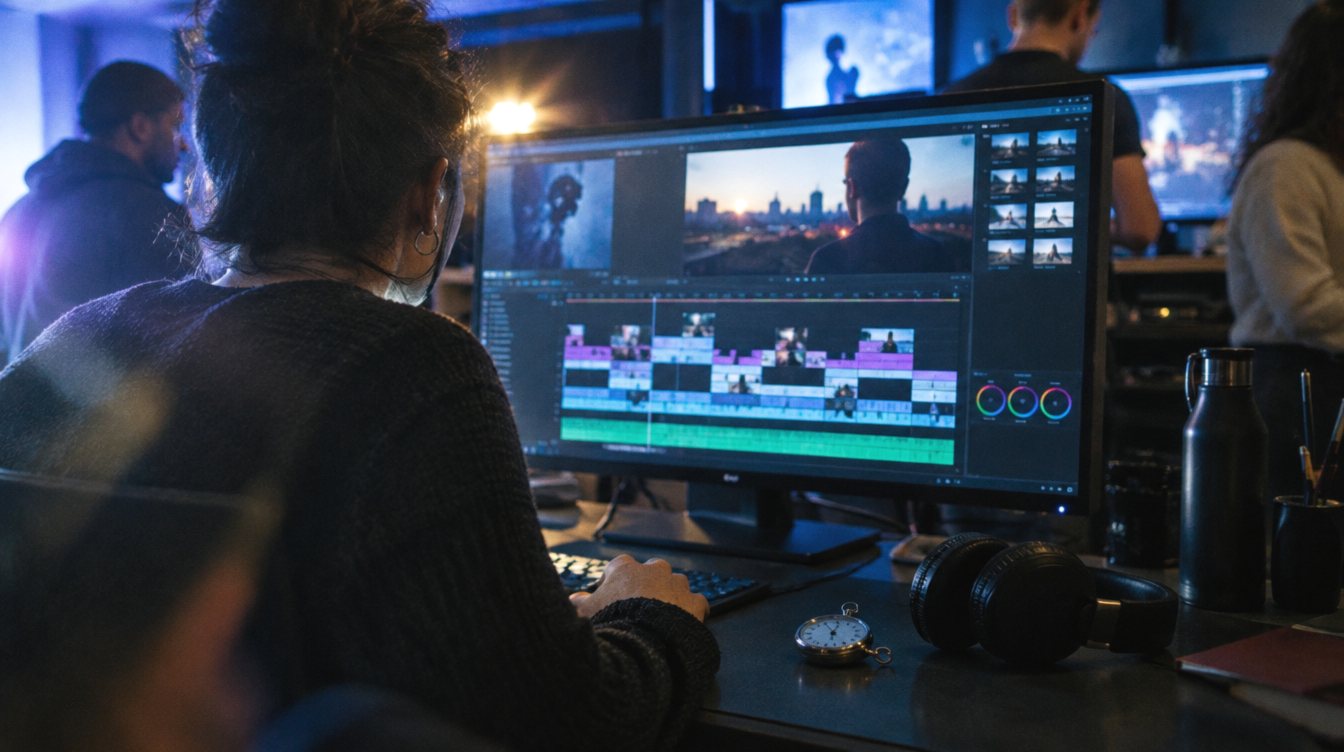
Organize the project so the next edit is easy. Keep a folder of selects (the best takes, labeled by question), a folder of b-roll by location, and a master audio track for each speaker. If you color grade, grade the selects once so every cut matches.
Do it yourself or hire a crew?
You can absolutely do this with a phone, a lav mic and a window. The planning steps above matter more than the camera. Where a crew helps is consistency: lighting, sound and framing that hold up across 15 pieces, and an editor who already knows how each piece will be used.
That is the model behind our Content Day plan: one monthly shoot plus 8 edited reels for $2,195 per month, with an option to double up to 16 reels, on a 3-month minimum. Bigger projects like a brand video or event recap can be planned for repurposing too; you can start with our project planner.
Before your shoot checklist
- A list of 10 or more customer questions
- One clear message for the hero video
- A first line (hook) written for each short piece
- Two or three outfit changes for anyone on camera
- A b-roll list: hands, product, space, team
- A decision on vertical framing: crop or second camera
- A rough posting calendar for the month
Frequently asked questions
How many short clips can I get from one shoot?
It depends on how long you film and how many standalone answers you capture. A planned half day can often yield 6 to 10 short clips, and a full day more. An unplanned shoot built around one script may give you only two or three usable cuts.
Is posting the same footage in different places bad for reach?
Posting the same clip across Instagram, TikTok and YouTube Shorts is common practice. Avoid platform watermarks, and adjust captions and the opening line to fit each audience.
Should I shoot vertical or horizontal?
If you need both, shoot horizontal in high resolution with centered framing and crop vertical in the edit, or use a second camera set up for vertical. If you only post short-form, shoot vertical.
How often should I schedule a shoot?
Once a month works well for most small businesses posting two or three times a week. It is often enough to stay current and rare enough to plan properly.